Appendix B: Making a
Communications Cable
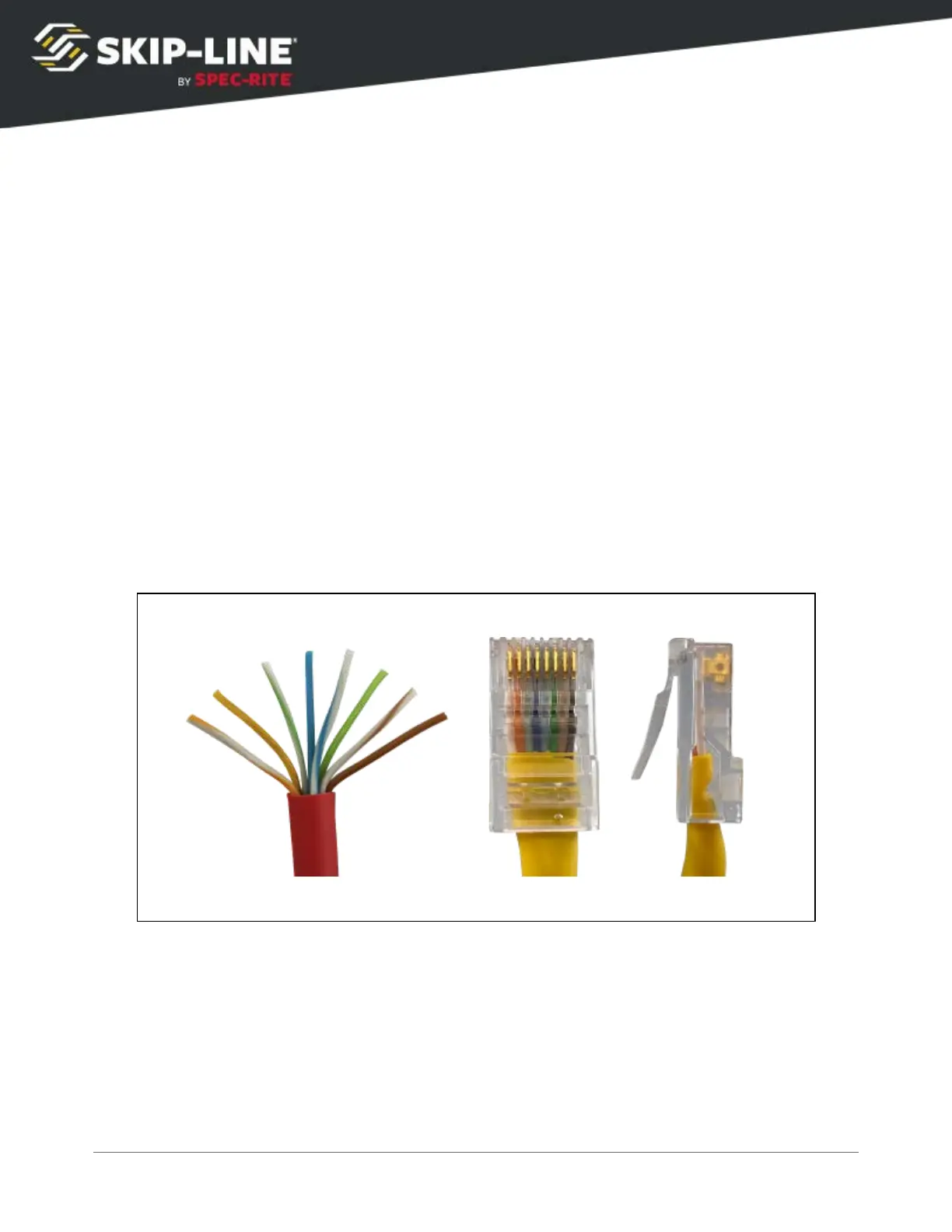
Communications cables for the SC-12 system follow the EIA/TIA 568-B cable
wiring standard. These are commonly referred to as Cat5, RJ45, or simply as a
network patch cable.
A communications cable should be constructed using the following pin
assignments on both ends of the cable.
➢ Pin 1 - white / orange stripe
➢ Pin 2 - orange
➢ Pin 3 - white / green stripe
➢ Pin 4 - blue
➢ Pin 5 - white / blue stripe
➢ Pin 6 - green
➢ Pin 7 - white / brown stripe
➢ Pin 8 - brown
TIA/EIA 568-B
These cables can also be purchased pre-assembled from your local computer
store or big box retailer in varying lengths.
A sealed waterproof RJ-45 connector with strain relief is available from your OEM
or Skip-Line.
SC-12 Road Marking Control System - Installation and Operation Manual
64



 To Next Page