Date: 2022-09-26 Page 11 of 48
Operation and Installation CD401MR-SC
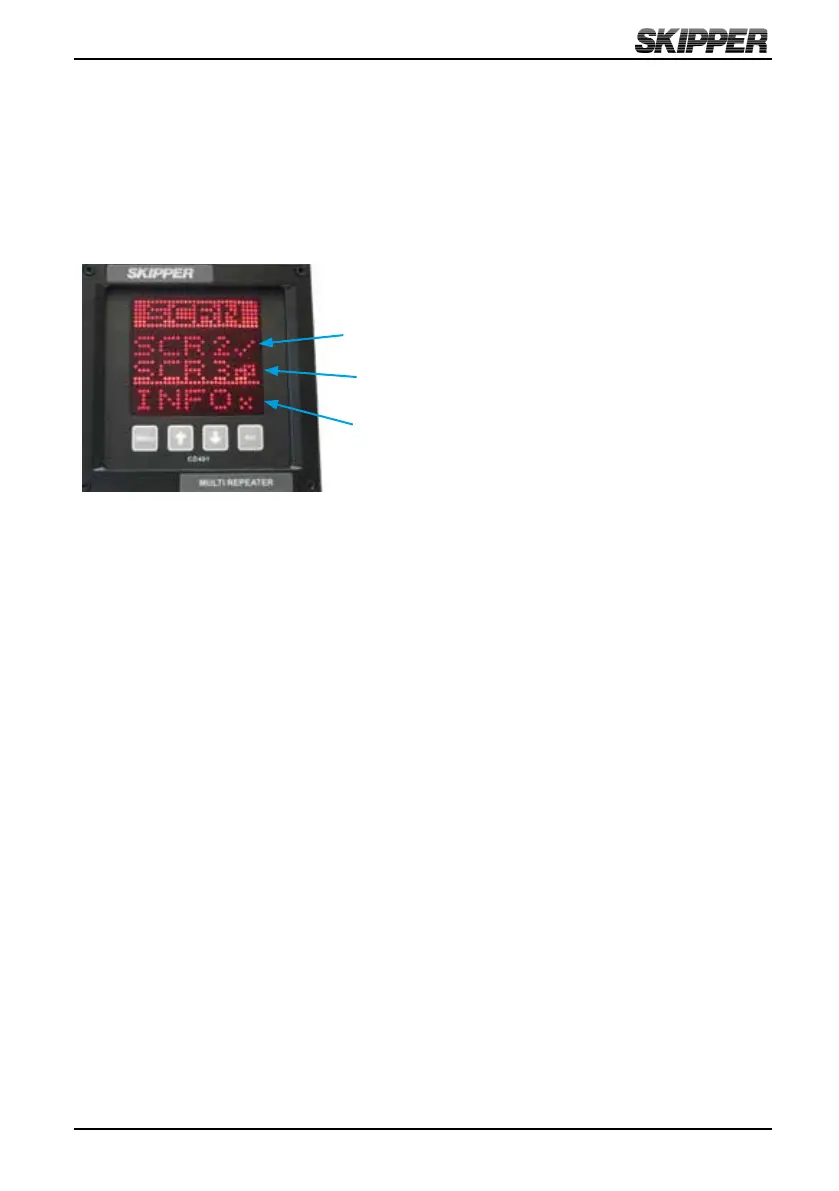
The system has three user preset runtime screens (SCR1, SCR2, SCR3). The Screen
Menu allows the user to congure and choose which runtime screens to be included in
normal operation. UP and DOWN buttons will scroll to the available screens. By using
the SET button, the user can control each individual screen to ON, OFF or SHIFTING.
Screens set to ON are available to be displayed by pressing the MENU button. Screens
set to OFF will not be displayed. Screens set to SHIFTING will be shown on the
display periodically. Each shifting runtime screen will
be displayed for 5 seconds.
ON
SHIFTING
OFF
If any screens are congured to SHIFTING, these selected screens will automatically
start displaying periodically. The shifting of these preset runtime screens are stopped
if the MENU button is pressed in runtime mode. By holding down the MENU button
longer, the shifting will be started again.



 To Next Page