Operation and Installation CD401MR-SC
Date: 2022-09-26Page 14 of 48
The system will allow many NMEA formats to be displayed. No setup is required. The
system has 2 input channels, both of these may be used.
The NMEA (IEC61162-1) standard is 4800 baud. Some vessels run with higher baud
rates. 4800, 9600, 19200, 38400, 57600 and 115200 baud rates can be selected in the
baud screen of the setup menu.
A demo mode is available, and can be activated with MENU button in the diagnostics
menu. Three modes are available.
• Mode 1 is a dynamic demo mode taking the present values as the start point and
slowly varying all the available values.
• Mode 2 is a static mode taking the present values and keeping them active.
• Mode 3 is a longitudinal 5 kn, transversal 1 kn.
When the demo mode is active, alarms will be disabled, and the screen will indicate the
demo state with a blinking S in the upper right corner. The user can turn o the demo
mode from the demo screen, or by recycling the power. The demo mode will turn o
automatically after 10 hours.
The factory default settings can be restored by performing the following operations:
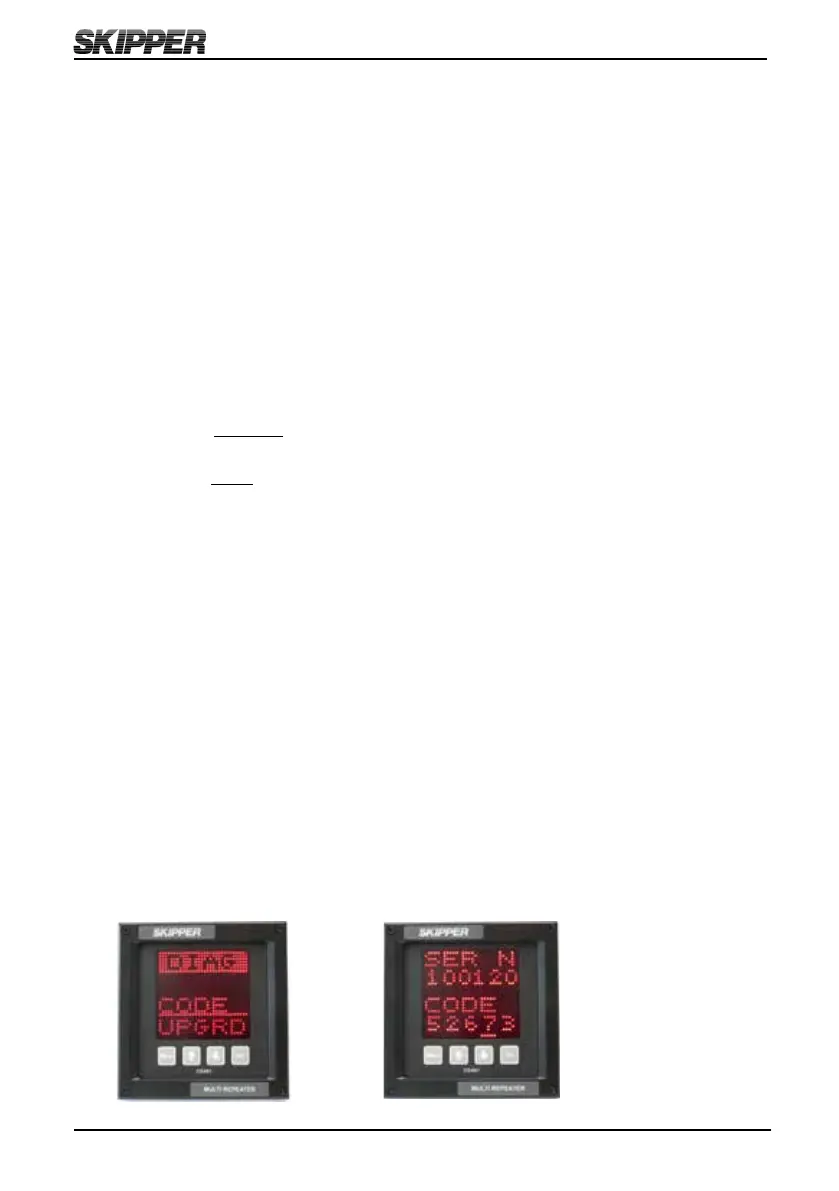
1. Select CODE in diagnostic (DIAG) menu.
2. Press the SET button (Note: Do not change code value).
The unit will now restart with factory default settings.



 To Next Page