Date: 2022-09-26 Page 15 of 48
Operation and Installation CD401MR-SC
CHAPTER 3. Conguring the screens
_____________________________________________________________________
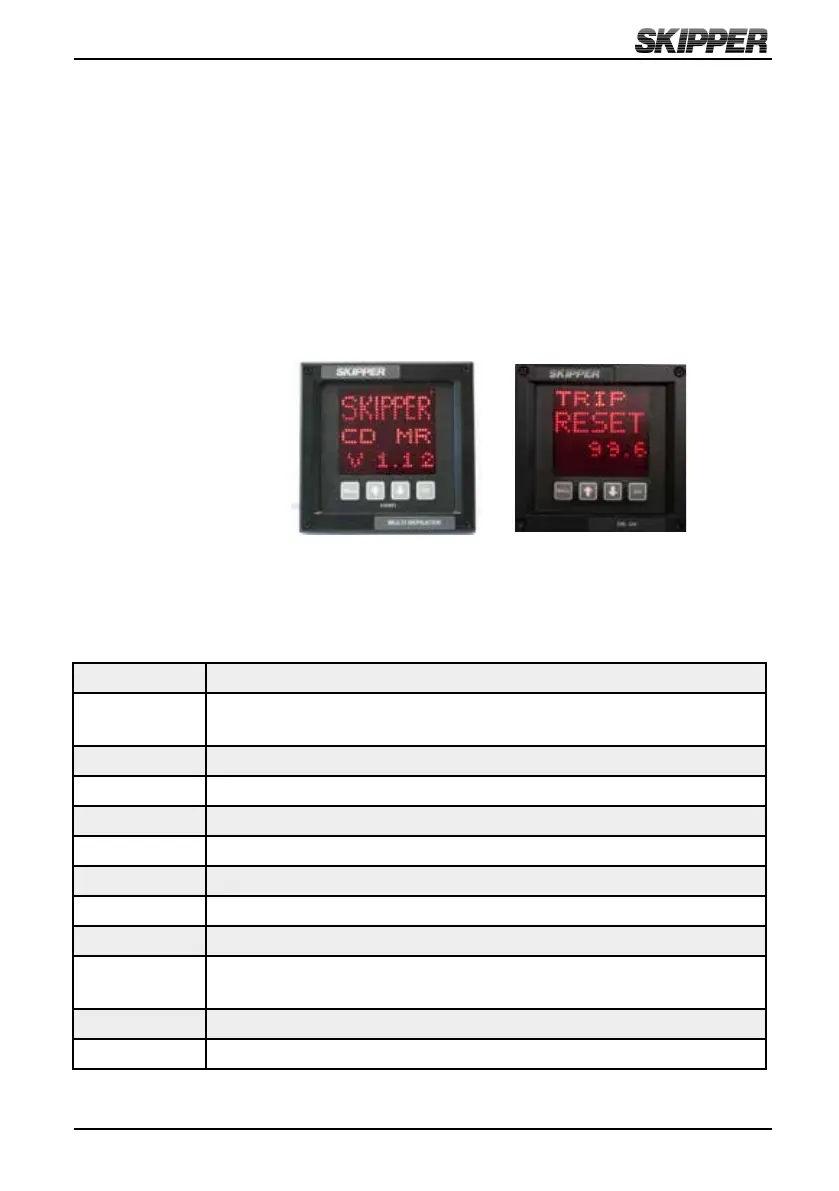
The unit starts up in runtime mode. By pressing the MENU button, the preset runtime
screens (SCR1, SCR2, SCR3) can be selected. The unit can be dimmed in any of the
runtime screens using the UP (↑) and DOWN (↓) buttons. If Trip/Total are selected as a
displayed parameter, they can be toggled using the SET button. If wind speed is selected
as a displayed parameter, the unit can be toggled between knots, m/s, or Beaufort
using the SET button. The Set button is used to reset the Trip counter if Trip Screen
is displayed and the Multi Repeater is connected to a SKIPPER EML 224 system or a
DL850 270 kHz system.
When using the Compact Display as a Multi Repeater, the display could be user
programmed to show the most commonly used NMEA 0183 (IEC61162) messages for:
Depth Below surface, keel and transducer
Speed Over ground and through water (longitudinal, transverse, aft and
relative)
Distance Total/trip for both ground and water
Heading True, magnetic and relative
Rotation Rate of turn and direction
Pitch and roll In degrees
Wind Speed and direction (true, magnetic and relative)
Temperature Water and air
Drive RPM (Revolutions Per Minute), propeller pitch and rudder position
Clock UTC (Universal Time Coordinated), local time and Expected Time
of Arrival (ETA)
Dimming Display dimming
Auxillary User dened NMEA messages
A summary of supported NMEA sentences is listed in Appendix 2.
INFO Screen TRIP Screen



 To Next Page