Date: 2022-09-26 Page 43 of 48
Operation and Installation CD401MR-SC
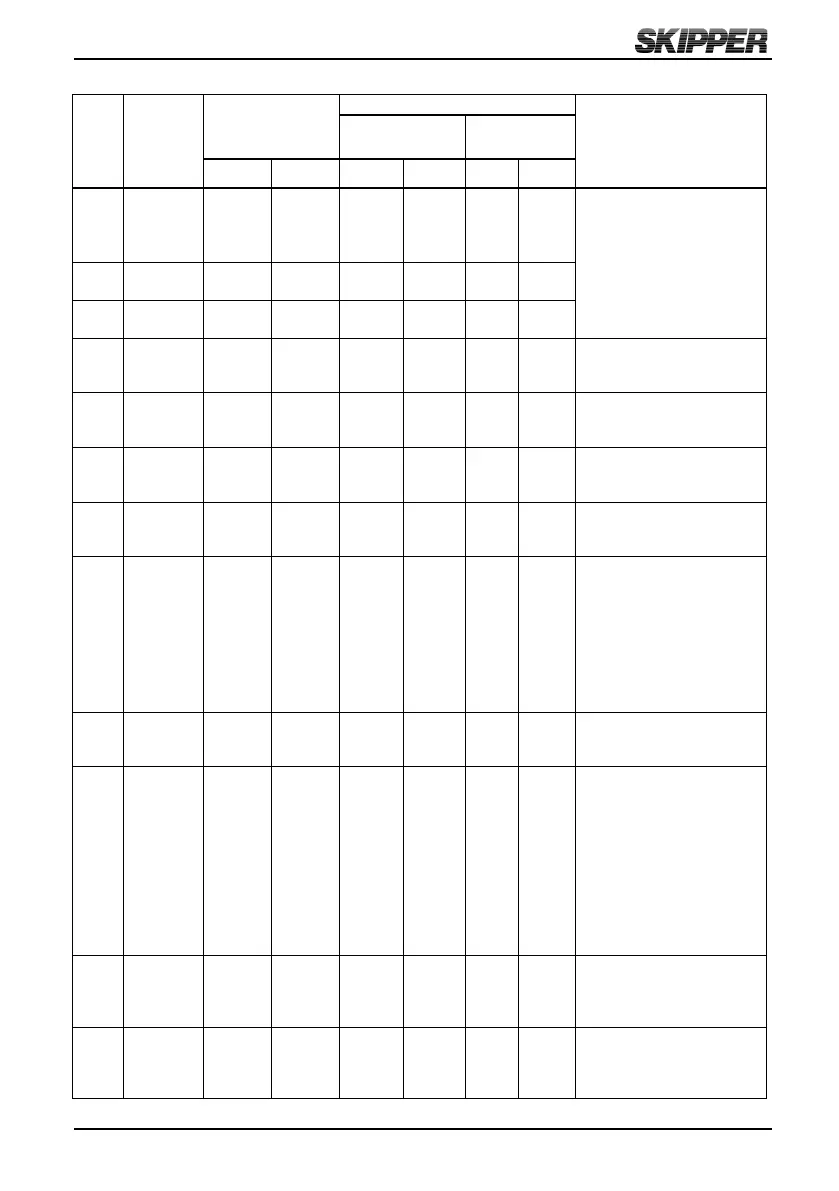
Summary of supported Data Types for User dened messages:
Data
Type
No.
Data
Type
name
Legal Data Type
Range
Screen output
Format / Comments
Out of range
(screen)
Within Range
Min. Max. Below Above Pre-
x
Post-
x
0 Unsigned
value
0 99999.99 ’.....’ ’.....’ None None Values between 0 and 9.99
are displayed with 2 decimals.
Values between 10 and 99.9 are
displayed with one decimal.
Values above 100 are displayed
without decimals.
1 Signed value - 9999.99 9999.99 ’.....’ ’.....’ None
or’ – ’
None
2 Depth in
meters
0 9999.99 ’.....’ ’9999’ None ’ m ’
3 Speed
without arrow
and postx
- 99.9 99.9 ’99.9’ ’99.9’ None None All speed values in knots with
one decimal. Negative values are
displayed without minus sign.
4 Longitudinal
speed with
arrow
- 99.9 99.9 ’99.9’ ’99.9’ ’ ↑ ’or
’ ↓ ’
None All speed values in knots with
one decimal. Negative values
indicates astern direction.
5 Transverse
speed with
arrow
- 99.9 99.9 ’99.9’ ’99.9’ ’ → ’or ’
← ’
None All speed values in knots with
one decimal. Negative values
indicates port direction.
6 Speed with
knots as
postx
- 99.9 99.9 ’99.9’ ’99.9’ None ’ kn ’ All speed values in knots with
one decimal. Negative values are
displayed without minus sign.
7 Heading
with arrow to
indicate the
direction the
bow turns
0 360 ’.....’ ’.....’ None ’
O
’ All values are displayed with
one decimal. An arrow (’←’ or’
→’) is added in the text line to
indicate direction the bow turns.
The <Text> eld must therefore
be limited to 3 characters for
this type. The direction of turn
is calculated based on previous
heading value.
8 Heading /
Direction
without arrow
0 360 ’.....’ ’.....’ None
’
O
’ All values are displayed with one
decimal.
9 Rotation - 999 999 ’.....’ ’.....’ None
’
O
/m ’ Values below 99.9 are displayed
with one decimal. Values above
100 are displayed with no
decimals. An arrow (’←’ or’
→’) is added in the text line
to indicate which direction the
bow turns. The <Text> eld
must therefore be imited to
3 characters for this type. A
negative value indicates port
direction.
10 Temperature - 99.99 99.9 ’-99.9’ ’99.9’ None or
’ – ’
’
O
’ Values between 0 and 9.99 are
displayed with 2 decimals. Values
between 10 and 99.9 are displayed
with one decimal.
11 Percentage -100 100 ’.....’ ’.....’ None
or’ – ’
’ % ’ Values between 0 and 9.99 are
displayed with 2 decimals. Values
between 10 and 99.9 are displayed
with one decimal.



 To Next Page