Page 45 of 61
SKIPPER Electronics AS
Edition: 2021.02.17
ESN200 Operation and Installation Manual
Chapter: USER Information
Screen Conguration
required in the runtime setup.
Press and hold the button to see all the choices.
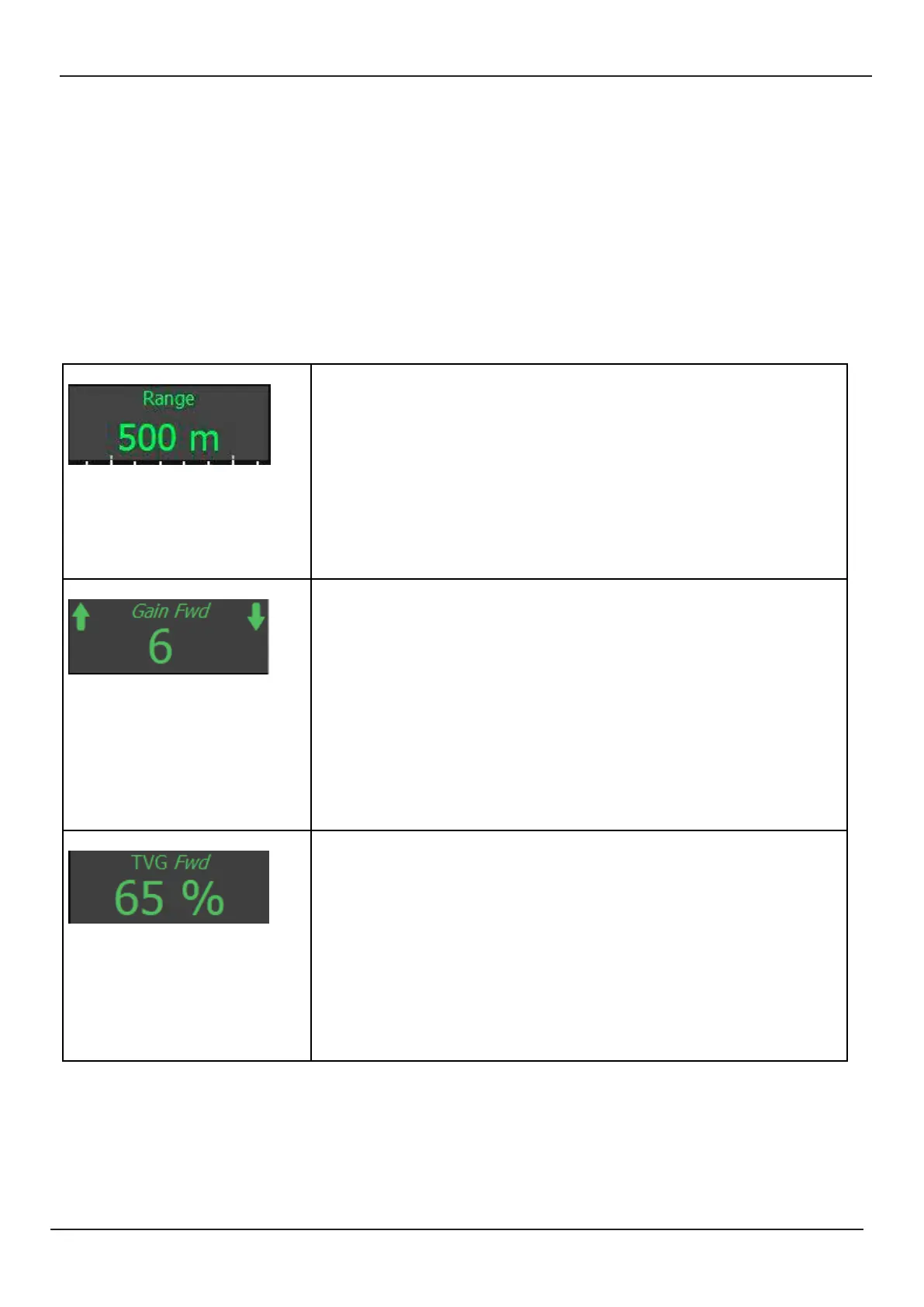
Range Range is always available within a single press of the screen on the boom
le corner.
Manual Range can be set in 50m steps from 5m to the maximum the
installed transducer can detect. Smaller steps are available below 50m.
Auto: In this mode the range will change based on the digital readout of
the system. Auto range is part of the full range of auto funcons and will
cause other funcons to become auto as well
The value can be changed by pressing
Gain Gain is the amount the signal, reected from the boom, is amplied. This
should be adjusted such that the signal strongly visible at the boom and
below, but not above the boom.
Manual : Gain can be adjusted between 1 and 12 and is most eecve for
areas deeper than 50m
Auto: Auto gain will, combined with TVG and range adjust to give the most
signal.
If not on screen this is available in menu ES Setup
The value can be changed by pressing and holding
TVG Time variable gain Predicts how much the sound will fades in the water ,
and compensates.
Manual adjusng this will give stronger/weaker signal near the surface, and
can be used to reduce strong sh or bubble layers
Auto : This funcon works together with gain to provide an acceptable pic-
ture and connuous boom detecon.
If not on screen this is available in menu ES Setup
The value can be changed by pressing and holding



 To Next Page