Page 47 of 61
SKIPPER Electronics AS
Edition: 2021.02.17
ESN200 Operation and Installation Manual
Chapter: USER Information
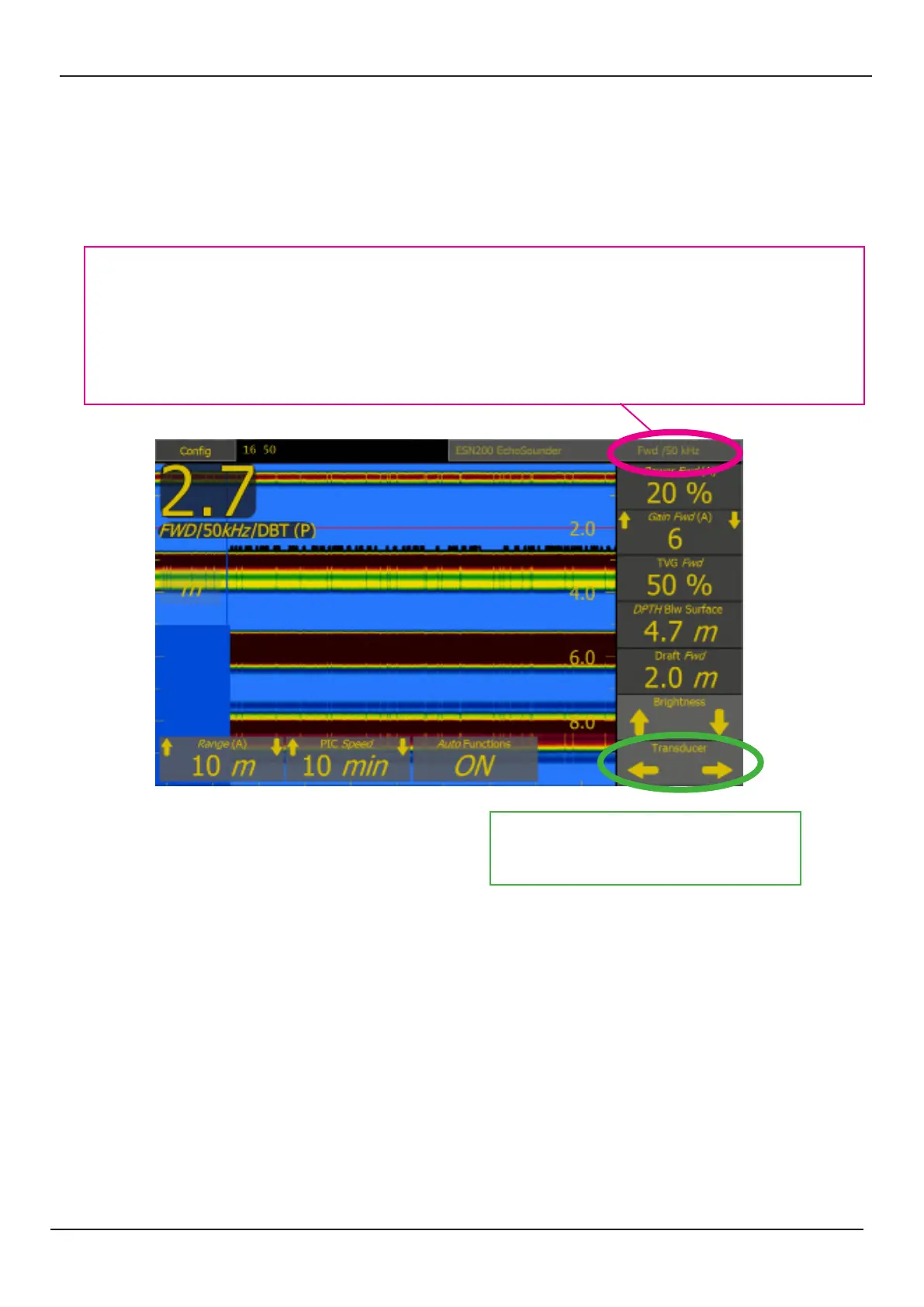
The posion and frequency of the currently acve transducer is displayed on the top banner
If dual frequency transducers are installed then the frequency buon will allow the user to change between the
available frequencies.
Manual: 50kHz / 200kHz
AUTO: The system will change frequency at a predened depth. Default 0-200m 200kHz, below 200m 50kHz
The le right buon will allow the user to
change the transducer displayed. Each of
these may have up to 2 frequencies.



 To Next Page