7
Reverse button
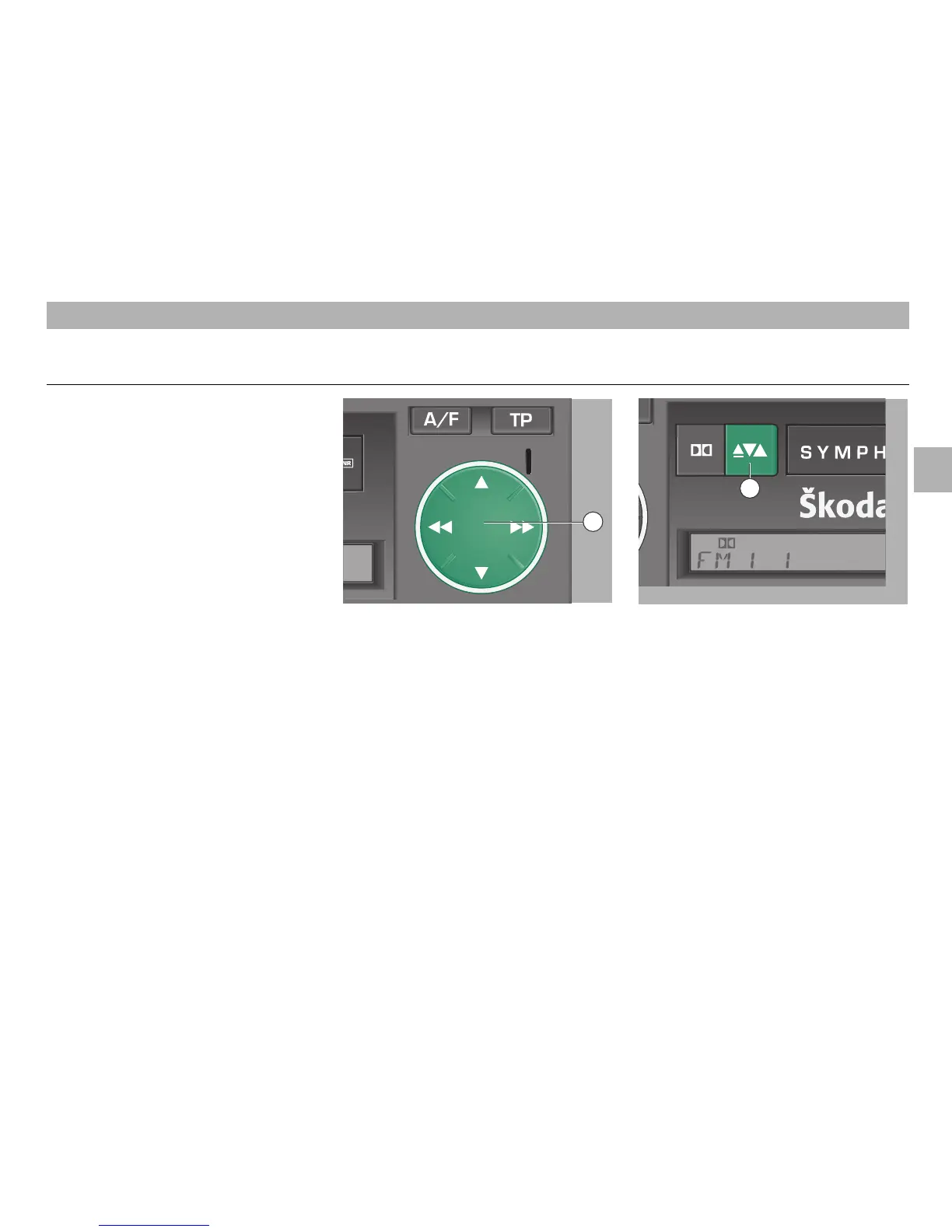
• Briefly press the button
7
during cas-
sette play to select the other cassette
side. The tape run direction is indicated
by "PLAY FOR" or "PLAY REV" in the
display.
If the cassette side changes automatically
during cassette play, the casssette may
jam. In this case, select the fast wind or
rewind function. If this does not remove
the fault, use another cassette.
Insert the cassette fully into the cassette
compartment. When inserting a cassette,
the radio switches automatically to cas-
sette play.
The tape run direction is indicated by
"PLAY FOR" or "PLAY REV" in the display
5
Dolby® button
• Briefly press the Dolby® button
5
during
cassette play to switch on and off the
Dolby noise reduction system.
If the Dolby noise reduction system is
activated, the Dolby® symbol
ij appears
in the display.
ß`
Fast forward and rewind
Pressing ľľ or ıı of the rocker
ß`
se-
lects fast rewind or forward, respectively.
The tape run direction is indicated in the
display.
"WIND FOR" – fast forward
"WIND REV" – fast rewind
Briefly pressing the rocker
ß`
ends the fast
forward or rewind function.
15
GB
CASSETTE MODE
Cassette compartment Fast forward and rewind Reverse function
cassette ejection
12
7













 To Next Page