ßW
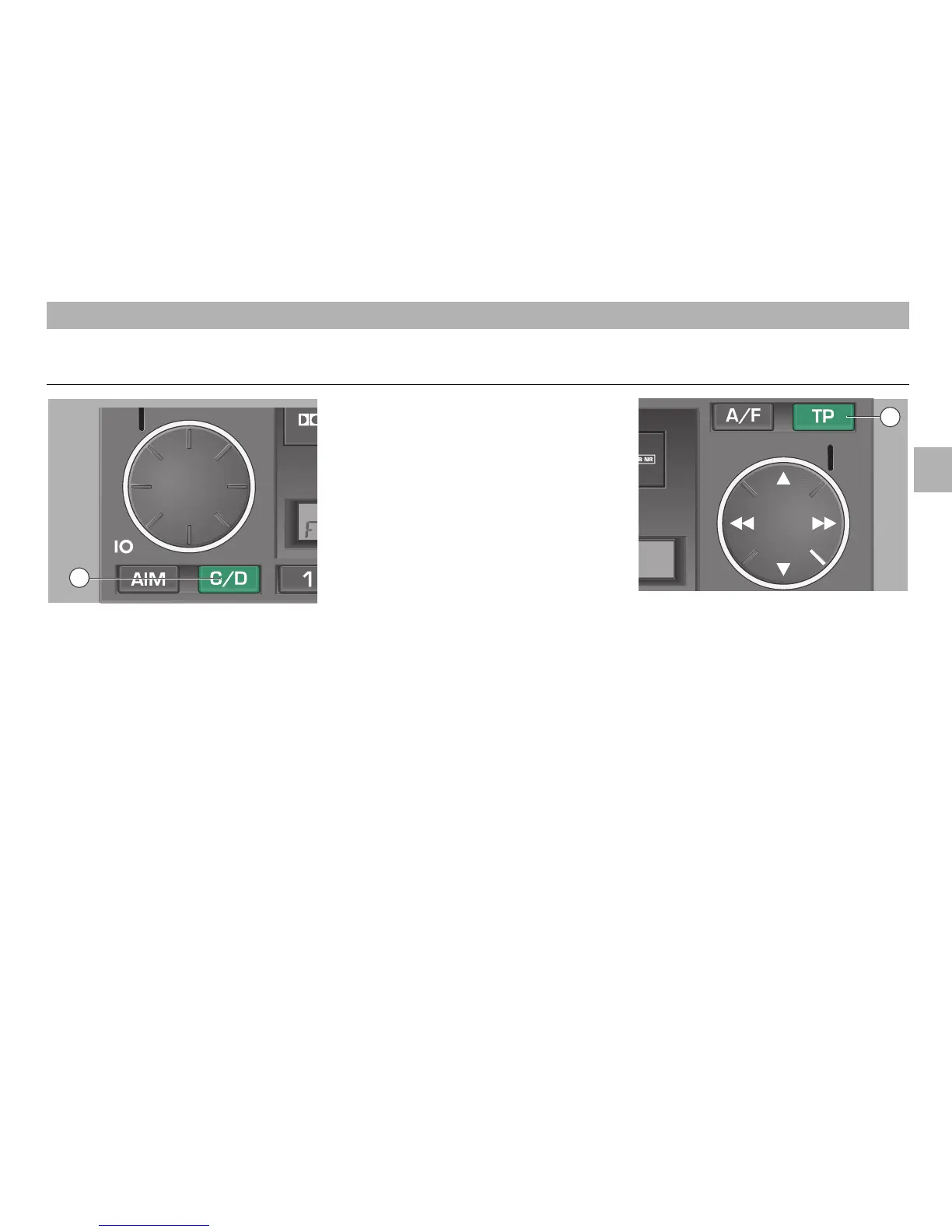
Source selection button
•
Briefly press the button
ßW
to switch bet-
ween the programme sources "FM/AM",
"TAPE" or "CD".
Selecting a CD
• Press one of the station buttons
ßR
to
change the CD in the magazine. If no CD
is inserted, "NO CD" and the CD number
appear in the display. When the CD is
changed, "LOAD" and the number of the
selected CD appear in the display.
Selecting and repeating a track
• Press on
Ń or Ľ of the rocker
ß`
to
select the CD tracks in the desired direc-
tion. The number of the selected track
appears in the display.
CD play is started automatically.
Playing tracks in random order
• Press a longer time on
Ń or Ľ of the
rocker
ß`
to switch on the random play
function. "SHFFL" appears in the display.
Press the button
ß`
again (long pressure)
to return to normal play. "PLAY" appears
in the display.
Fast forward and reverse
• Press on
ľľ or ıı of the rocker
ß`
to
listen to the tracks in “quick preview”
mode at reduced volume.
Playing tracks for about 8 seconds
• Press the SCN button
´I
to play every
track on a CD for about 8 seconds.
"SCAN" appears in the display. Press the
SCN button
´I
again to return to normal
play. "PLAY" appears in the display.
Traffic announcements
• Press the button
ß?
to switch on the traf-
fic announcement standby mode. "TP"
appears in the display. During traffic
announcements, CD play is interrupted.
Press the button
ß?
again to abort the
current traffic announcement. "TP" dis-
appears in the display. A new traffic
announcement will be heard again. A
new traffic announcement will be heard
again.
Ending CD play
• Press the C/D button
ßW
or the A/F button
ßI
to change the programme source. CD
play then is ended.
17
GB
CD CHANGER MODE
11
14













 To Next Page