51
Support Hotline: +49 (0) 2661 98088-112
Support E-Mail: support@sks-kinkel.de
Version No. 2.0
Document No. 97010703
SKS-Kinkel Elektronik GmbH
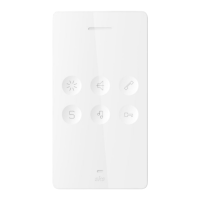
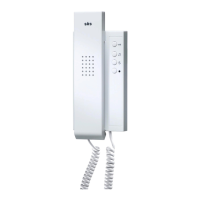
10006901 BSV2012 Video indoor station hands-free
EN
Indoor station’s storage
space 1 for internal call
addresses (in the menu)
B2 B1 B1
Indoor station’s storage
space 1 for internal call
addresses (in the menu)
B3 B3 B2
Internal call
Internal call 1
Internal call 3
Internal call 2
Internal call 4
Internal call 5
Internal call 6
Indoor station 2
Door call address A2
(= DIP switch address)
Internal call address B2
(= Own address 2 via menu)
Internal call
Internal call 1
Internal call 3
Internal call 2
Internal call 4
Internal call 5
Internal call 6
Indoor station 1
Door call address A1
(= DIP switch address)
Internal call address B1
(= Own address 2 via menu)
Internal call
Internal call 1
Internal call 3
Internal call 2
Internal call 4
Internal call 5
Internal call 6
Indoor station 3
Door call address A3
(= DIP switch address)
Internal call address B3
(= Own address 2 via menu)
calls B3
= Internal calls
1 and 2
via menu
calls B2
calls B3
= Internal calls
1 and 2
via menu
calls B1
calls B2
= Internal calls
1 and 2
via menu
calls B1
To program indoor station 1 in full the following steps are necessary:
Step Image Description
1
A1
Set the main call address (= 1st call address saved,
in the example above A1) at the DIP switch, this re-
acts to the respective bell button at the door station.
2
Choose the indoor station‘s menu point → Setup →
Own address→ New.
3
Enter the internal call address B1 for call no. 1 (= In-
ternal call address the indoor station reacts to).
Complete your changes by tapping on the enter key.
Using the back key you can leave the menu.


 To Next Page