57
Support Hotline: +49 (0) 2661 98088-112
Support E-Mail: support@sks-kinkel.de
Version No. 2.0
Document No. 97010703
SKS-Kinkel Elektronik GmbH
10006901 BSV2012 Video indoor station hands-free
EN
Open door
Within two minutes after the indoor station has rung, the door
can be opened using the door opener key.
In case a call is active the call is ended automatically
10 seconds after pushing the door opener key.
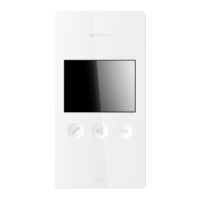
9.3 Menu keys
Menu key Function
Menu key to open the main menu
Special key for special switching functions
Light key for special switching functions
Back key leading back to the last menu
Navigation key up to navigate upwards within the menu
Navigation key down to navigate downwards within the menu
Enter key to conrm an action
9.4 Operation with menu keys
To be able to open the on screen menu, the touchscreen must be activated by touching it. To show the menu, please
touch the screen for a second time.
Now push the menu key to open the main menu.


 To Next Page