GB 13
7. The OSD menu – reception
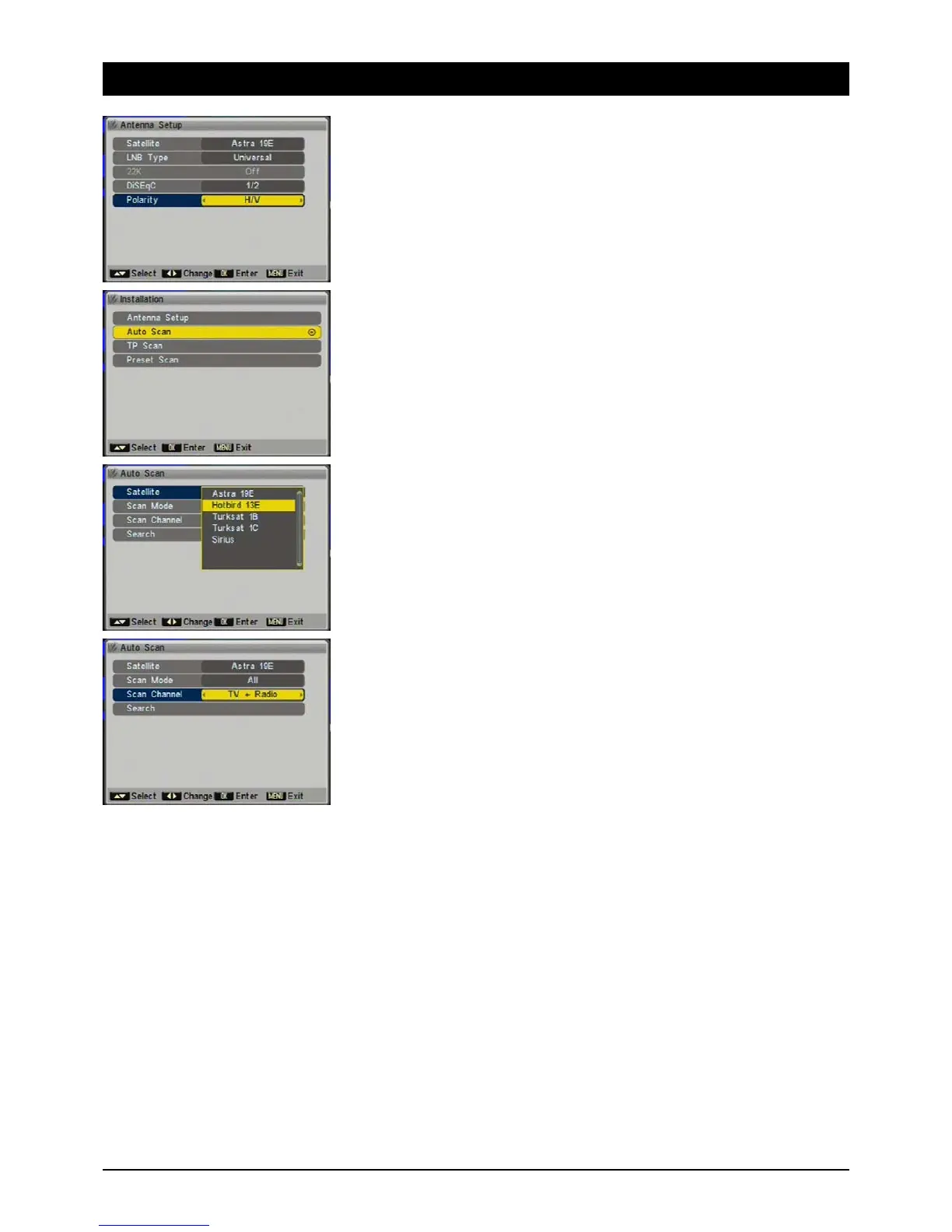
2.1.5 Polarisation
Satellite signals are transmitted with horizontal or vertical polarity. You should always choose the
H/V setting, which allows for reception at both levels. In very exceptional situations it may be nec-
essary to choose only horizontal OR vertical reception, e.g. in large-scale residential systems or to
receive unusual satellites.
2.2 Automatic search
To automatically search for all available transponders of a satellite position.
2.2.1 Satellite
Choose a preconfigured satellite from the list. Quit the list by pressing [MENU]. You also have the
options of renaming the satellite (button [1]), adding a new satellite (button [2]) or deleting a
satellite position (button [3]).
2.2.2 Search mode
Decide whether you want to save only the free to air or the encrypted channels as well.
2.2.3 Channel search
Decide whether you want to search for TV and/or radio stations.



 To Next Page