GB 11
7. The OSD menu – channels
1.1.6 TV channel list
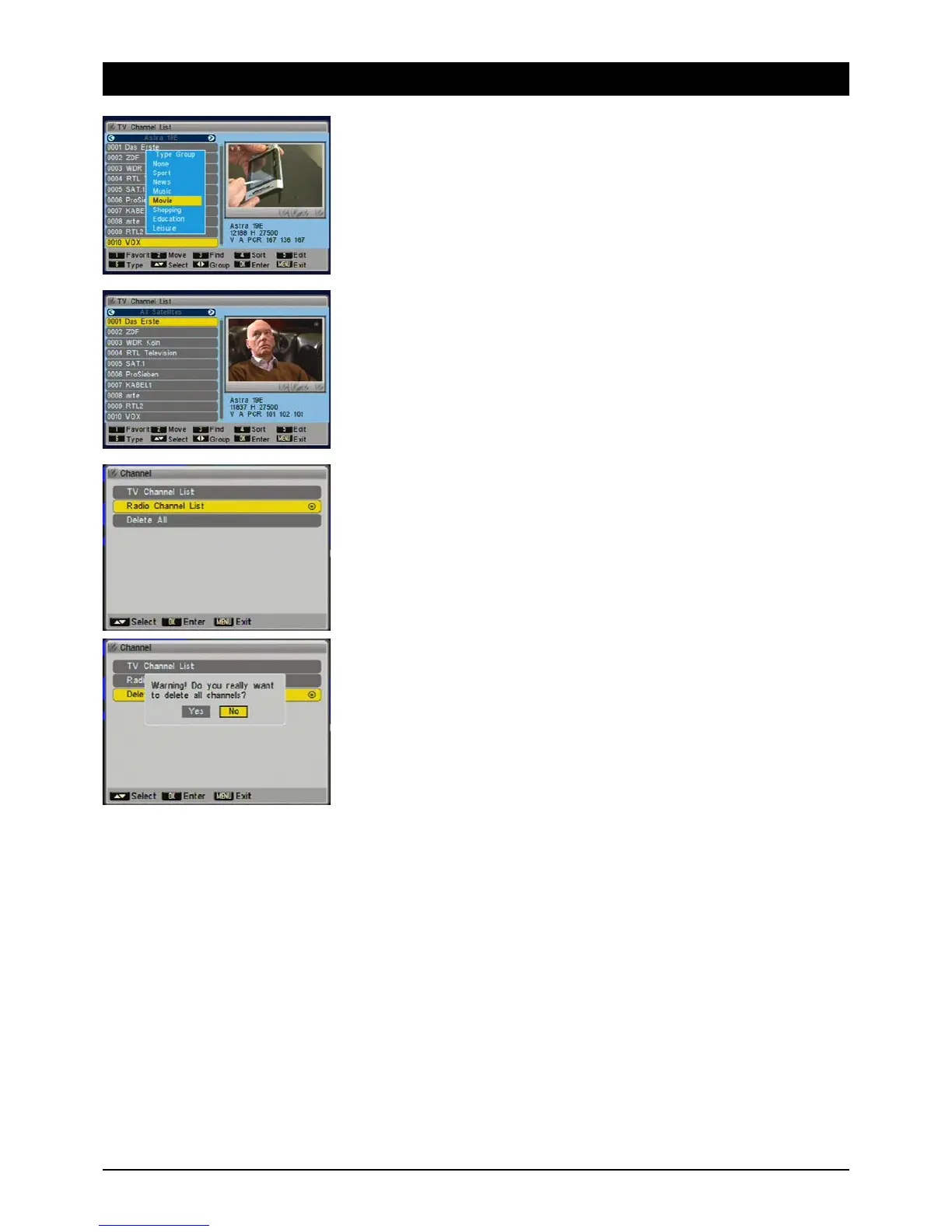
1.1.6.1 Type
You can sort channels into various categories: Sport, News, Music, Movies, Shopping, Culture and
Leisure. Beside the standard lists “All satellites” and “Favourites” this will give you further well
organised and sorted channel lists and quick access to the channels you want.
Channels that are assigned to a group are marked with an icon.
1.1.6.2 Group
When a channel list is displayed, select a “channel group” using the [왗왘] buttons. Choose a
specific satellite, “All Satellites”, “Favourites”, “Movies”, “Sport”, etc.
1.2 Radio channels
Managing radio channels. Operation is no different from the items provided for TV channels.
1.3 Delete all
The “Delete All” function is useful if you want to reinstall your receiver and then do an automatic
search.



 To Next Page