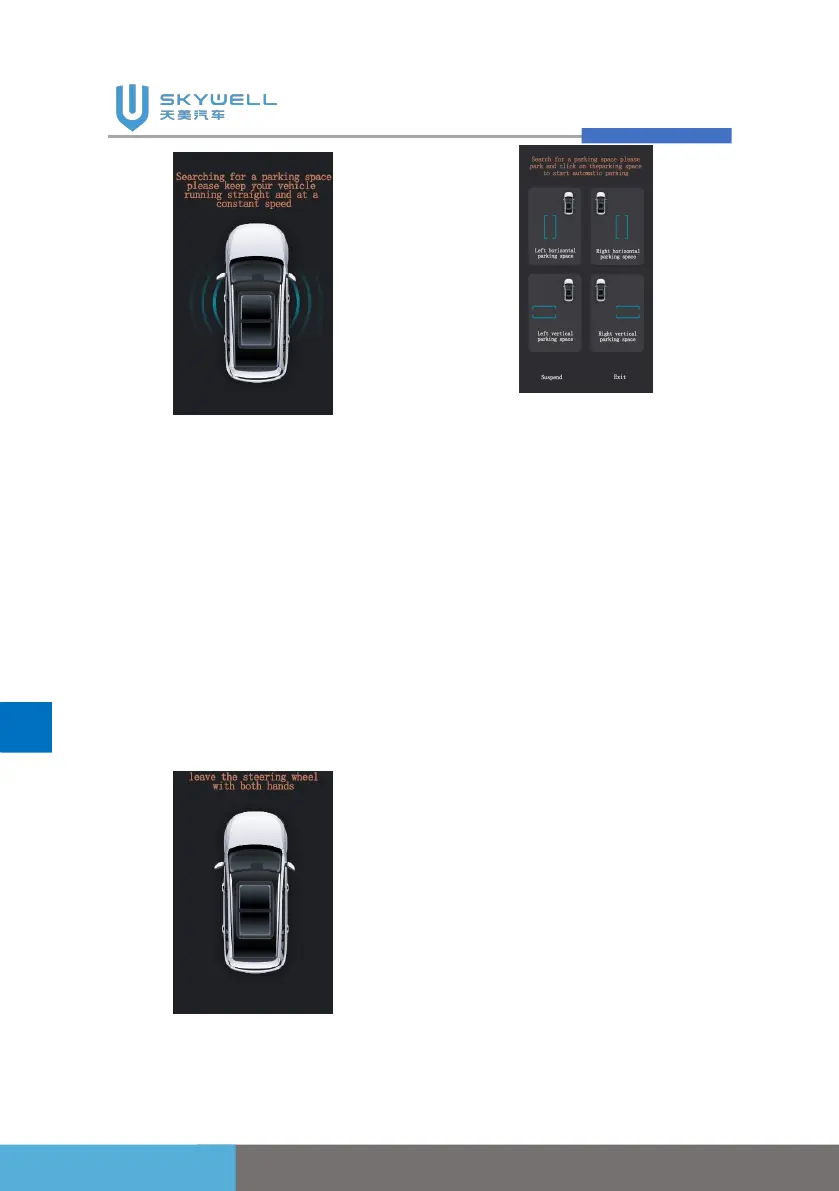
When the system finds the
parking space, the interface
will pop up "The parking space
has been found, please stop"
→ "Please put P and leave the
steering wheel with both
hands" → "Please select the
parking type and direction"
interface, requiring the user to
operate according to the
system prompts.
Parking in progress:
The user needs to observe the
surrounding environment
online to see whether the
parking requirements are met,
whether there are obstacles or
pits in the parking path and the
target parking space, and after
confirming that they are correct,
the system starts to take over
the vehicle and control the
vehicle. Park in the garage.
During the control process, the
display shows "Automatic
parking in progress”.



 To Next Page