8 / 16
Copyright (c) 2009-2013 RoboPeak Team
Copyright (c) 2013-2023 Shanghai Slamtec Co., Ltd.
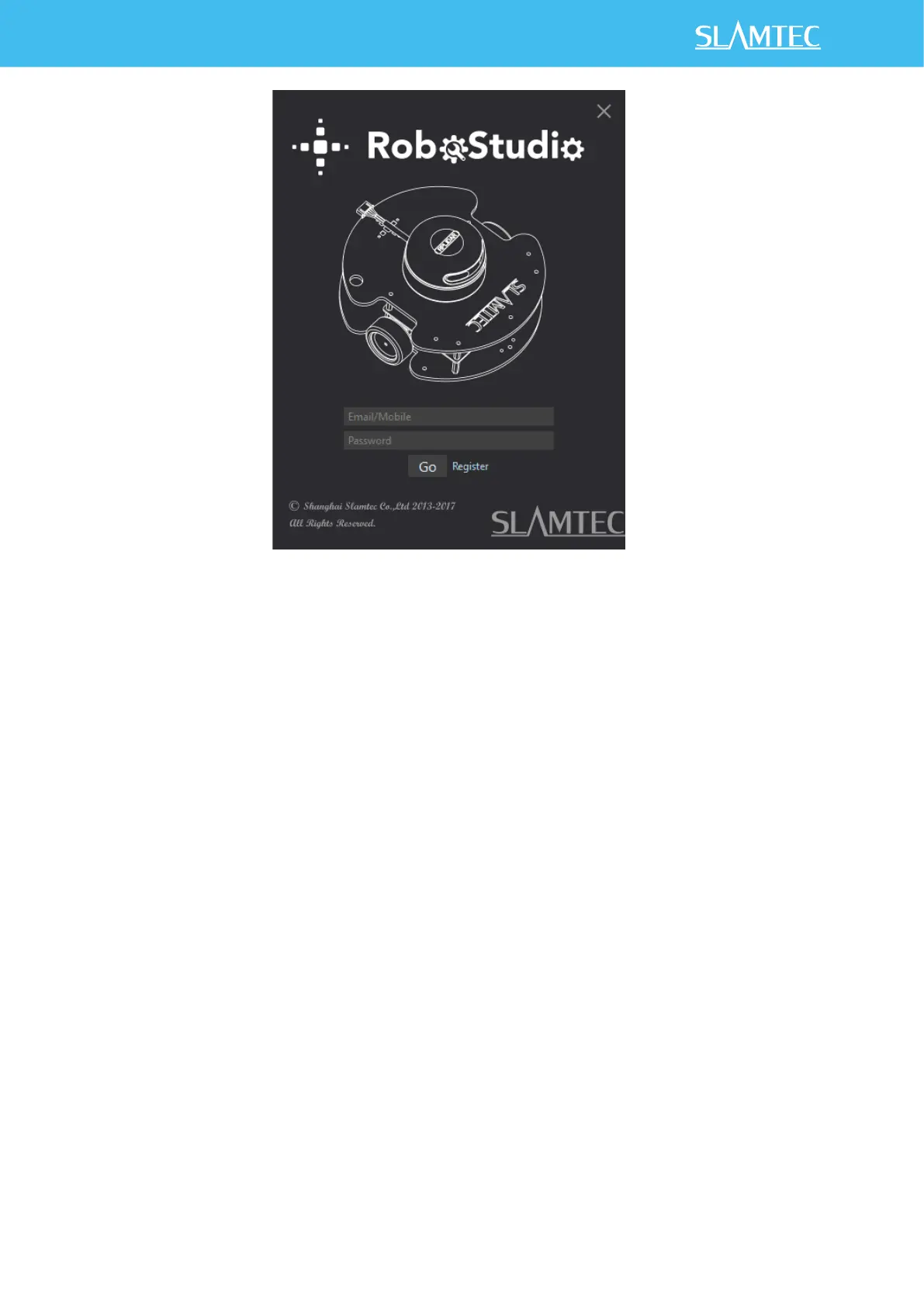
Figure 2-6 RoboStudio Login Page
If the connection is ok, you shall see the user interface is shown as below.
1. Click File->Lidars to open the lidar control panel in the left;
2. Click Serial Ports to extend the lidar lists and you’ll find the RPLIDAR C1
previously connected to your PC;
3. Click the RPLIDAR C1 icon to extend the tool buttons below the icon: the left
one is to adjust the motor speed while the right one is to open the tool bar in
the major work area as shown in Figure 2-7.


 To Next Page