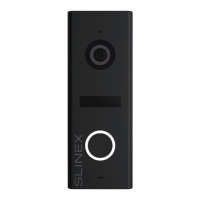
SL-10N Cloud
33 34
8.5. Sharing with the other devices
The account, device is added for the first time, is master account. This account has master permissions and
can change all the settings. If several mobile phones are going to be used with the same device then
personal account must be created on every mobile phone. Here are the steps to add the same device on
several mobile phones:
1) Create an account on the rst mobile phone application and add your device. Account on this mobile
phone will be the master account for this device;
2) Install «Smart Call» application on every mobile phone that is going to be used and create its own
account in every application. Every mobile phone must use it’s own account in the application;
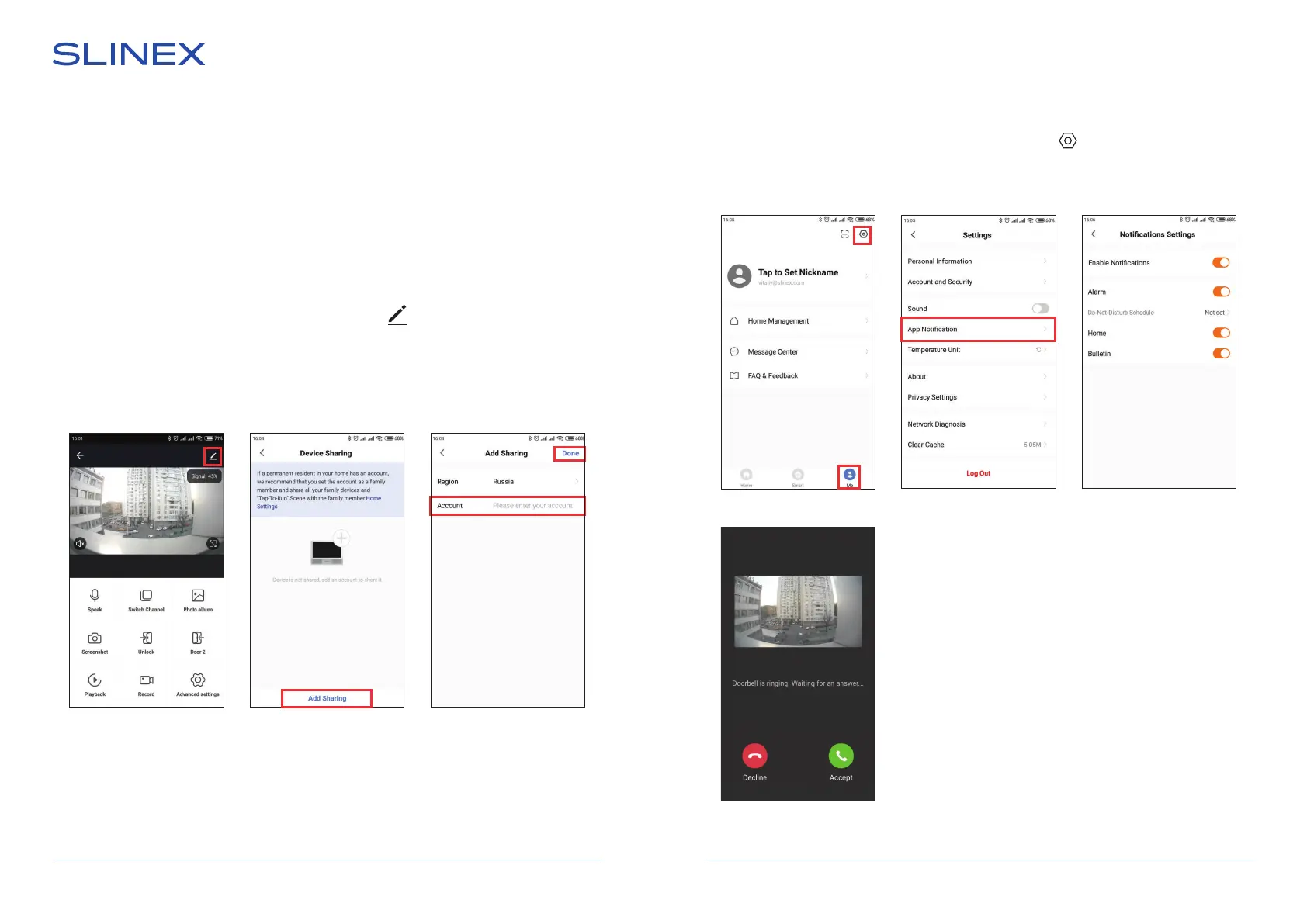
3) Using master account enter device monitoring screen, press icon on the right upper corner of
the screen and enter «Add sharing» menu. Enter account name, used on the shared device and press
«Done» button on the right upper corner of the screen. Shared account must be added to the sharing
list. It means that the user on the shared mobile phone now have an access to this device;
4) In the same manner add all other mobile devices into sharing list.
Press «Accept» button to start
conversation with the visitor or
«Decline» to hang up incoming
call.
8.6. Notication messages
Press «Me» bookmark on the bottom of the main screen, then press icon on the right upper corner of
the screen and enter «App Notication» menu. Here you can enable or disable notification messages from
the application.
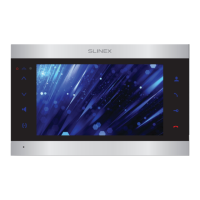
SL-10N Cloud
SL-10N Cloud


 To Next Page