APPENDIX A
CONFIGURING AND CALIBRATING YOUR SMARTBOARD E70 INTERACTIVE FLAT PANEL WITH WINDOWS
28 smarttech.com/kb/170534
NOTE
If you have multiple monitors ensure that you have identified the SMART E70 interactive flat
panel as your touch screen with Windows 7 and Windows 8 operation systems, see
previous step "Setting up multiple displays"
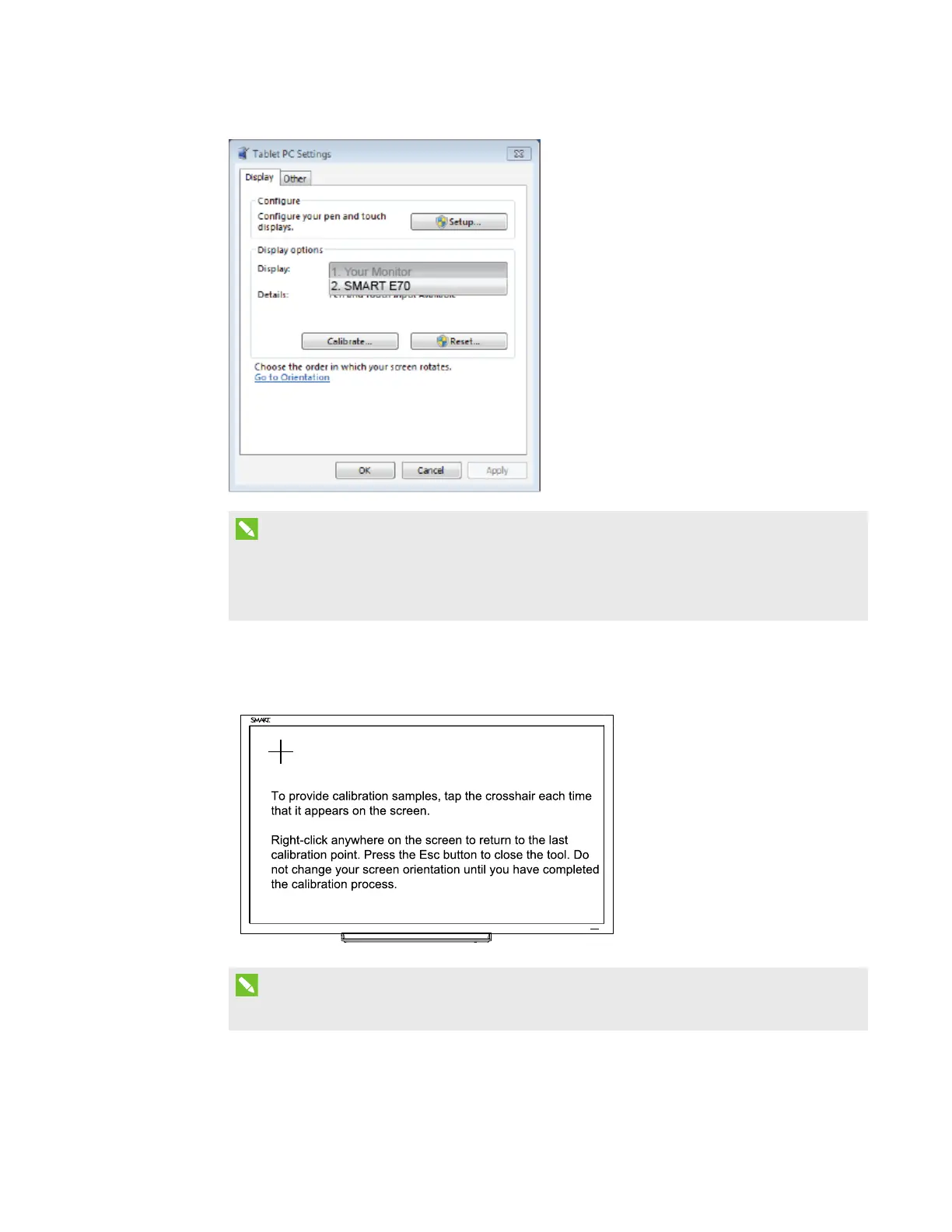
2. Click Calibrate.
3. Then tap each cross as they appear.
NOTE
Each cross hair may take several attempts, so please be patient with this process.
4. Follow the instructions on screen.



 To Next Page