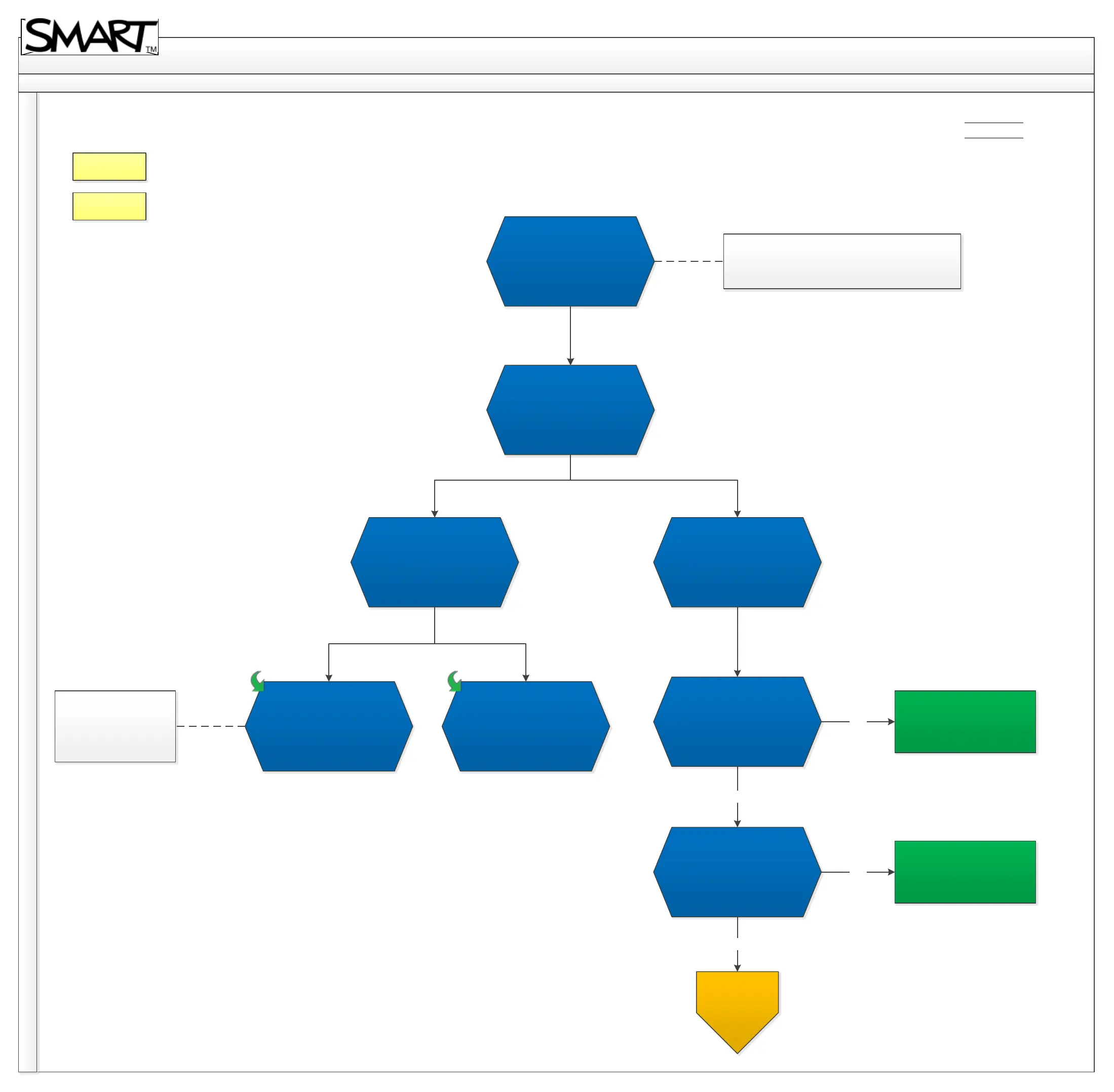
SBX800 Troubleshooting Diagram
Back
Home
2.4 No status light
Revision History
No status light
SBX800-CAT5 & WC8 or any third party extenders must
be bypassed.
How is SMART Board
receiving power?
Projector’s Harness cable.
Separate power supply
provided with SMART.
Direct power supply to pen
tray.
Powered by projector
Harness cable
Try swapping the power
supply with known working,
does this resolve the issue?
Ensure the power outlet is
working and test this power
supply with board to confirm
if it’s faulty or the pentray,
does this resolve the issue?
Issue resolved.
Issue resolved.
Not all UX60 are capable
of providing power of
SBX800 Boards
No
Yes
Yes
No
For further
assistance,
contact SMART
Technical
Support.
Contact Support



 To Next Page