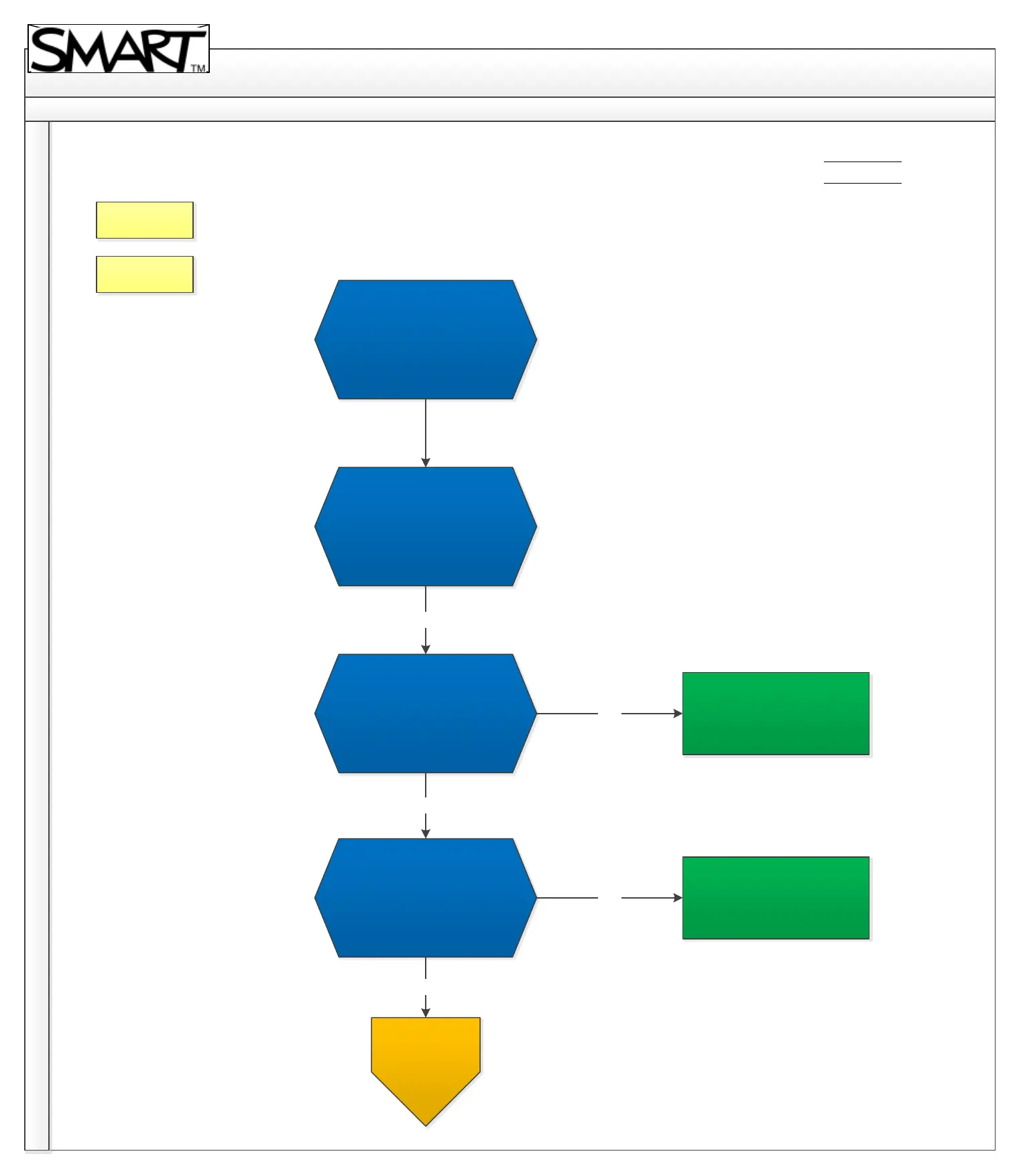
SBX800 Troubleshooting Diagram
Back
Home
4. Hardware & other
Revision History
Hardware & other.
What is the issue?
Board surface is wrapped/
bow image/ bent surface.
Ensure there are no cables
or any object tied up behind
the board causing
distortion. Is the issue
resolved?
Ensure the distortion is not
part of the projected image.
Isolate by sliding board left
or right and see if distortion
follows. Is the distortion
following the image?
No
Yes
No
Yes
No
Issue resolved.
Issue is with projected image
and not the interactive
whiteboard.
For further
assistance,
contact SMART
Technical
Support.
Contact Support



 To Next Page