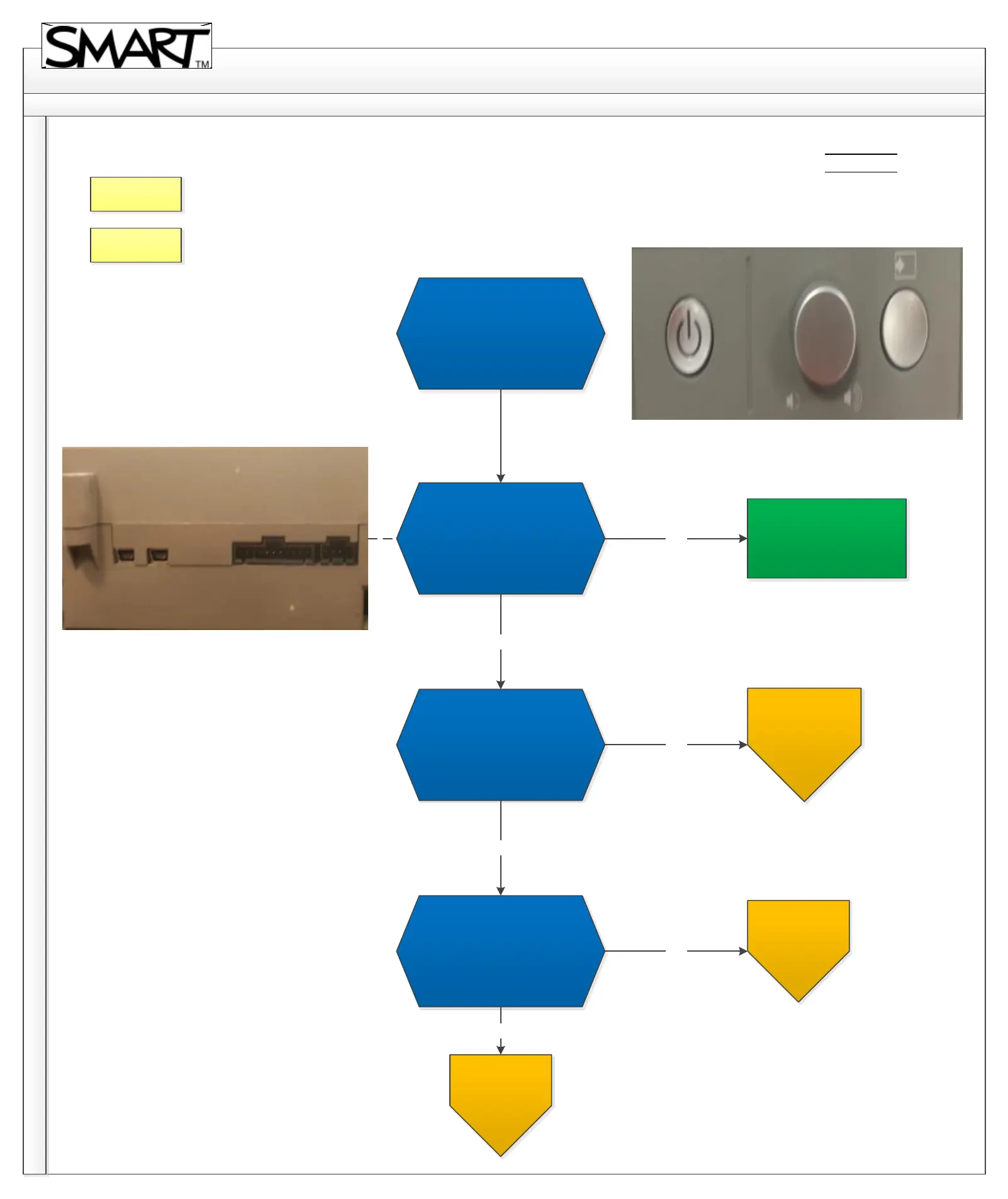
SBX800 Troubleshooting Diagram
Back
Home
5.1. No light on ECP.
Revision History
No light
Reseat the Harness cable on
projector and back of ECP.
Does this resolve the issue?
Swap harness cable (The cable
connecting the ECP to
projector) with a known
working cable if possible. Is
the issue resolved?
Swap the ECP with a known
working ECP, if possible. Is the
issue resolved?
No
No
Issue resolved.Yes
Yes
Yes
For further
assistance, contact
SMART Technical
Support. (A)
For further
assistance, contact
SMART Technical
Support.(B)
For further
assistance, contact
SMART Technical
Support.(C)
No
Contact Support



 To Next Page