SMARTEYE Netx Ethernet IP Control Unit User Manual Page 36
Filename: netx IP Platform User Manual R0 .doc
…
In Control
A
M
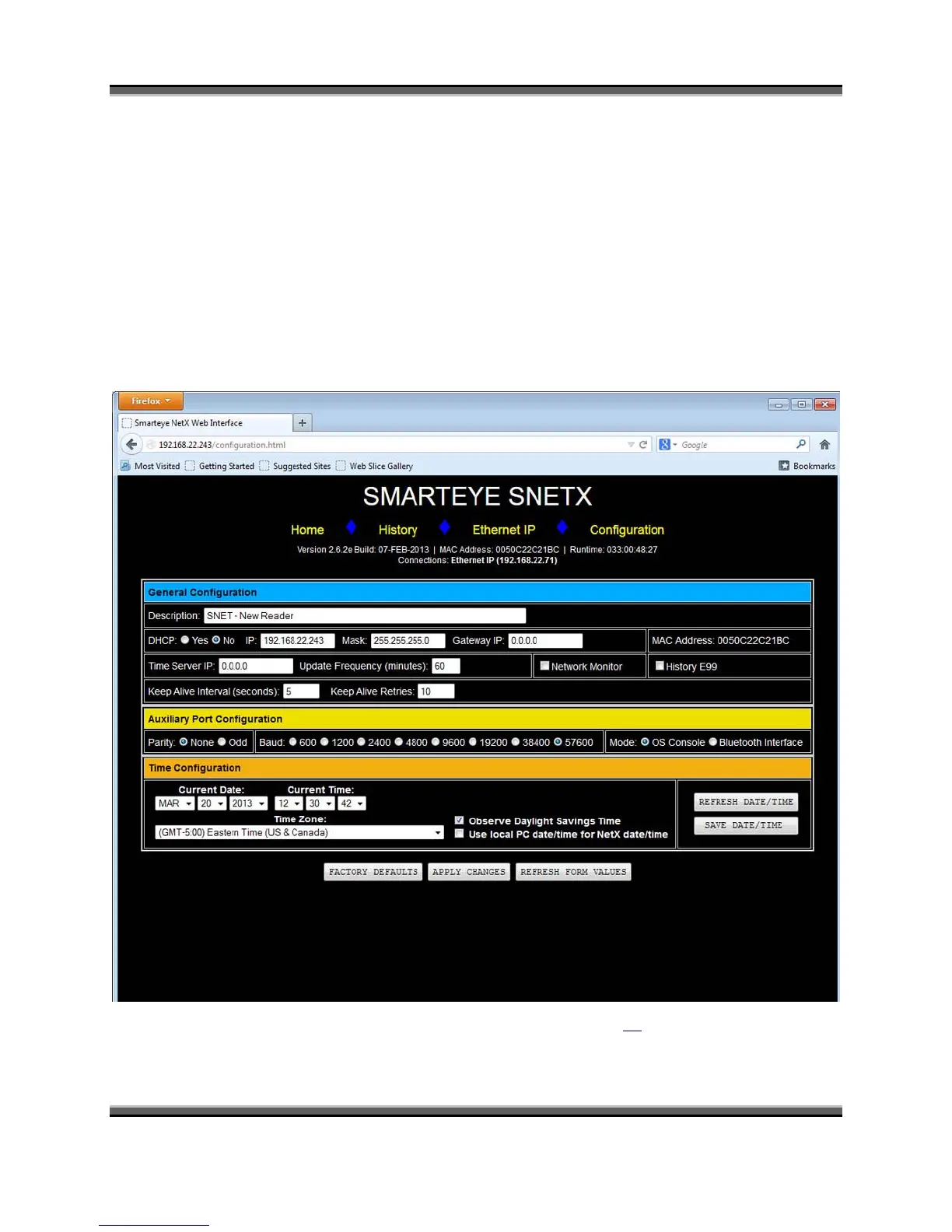
10.2 Configuration webpage
The Smarteye Netx Control Unit configuration page consists of three primary configuration
panes:
1. General Configuration
2. Auxiliary Port Configuration
3. Time, Date and Time Zone configuration.
The Smarteye Netx Control Unit configuration page has links to the home page, history page,
and Ethernet IP information page. There are also three buttons, one for restoring the factory
default configuration, one to apply changes and one for refreshing the page.
For a description of each setup parameter show above, refer to page 24 of this manual.



 To Next Page