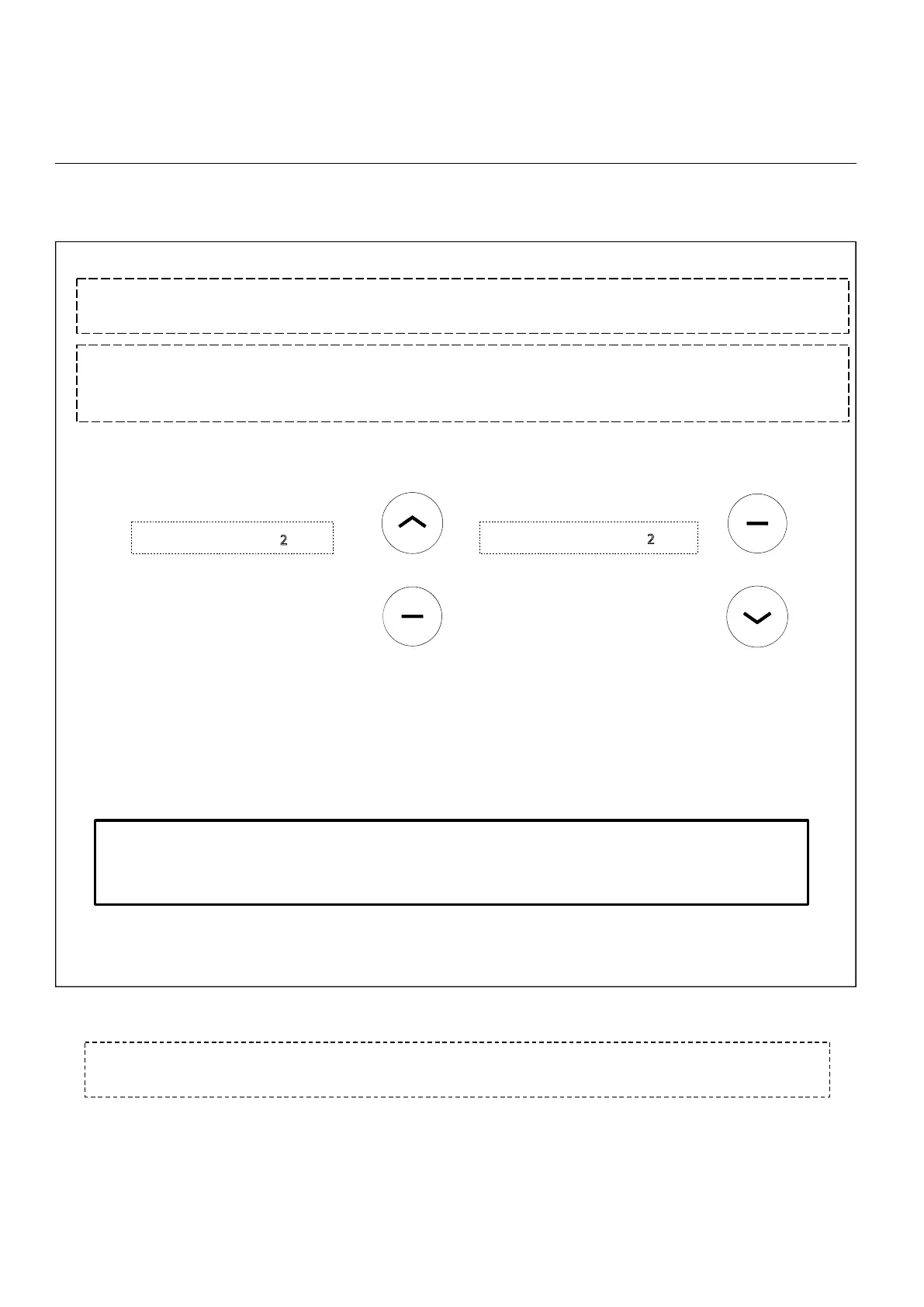
Initial Setup Programming
Press DOWN + STOP (2sec)
Press UP + STOP (2sec)
(To SET Top Limit)
(To SET Bottom Limit)
Drive
the
shade
using
continuous
movement
or
fine
adjust
to
the
position
you
wish
to
set
as
the
upper
limit.
Set
limit
as
described
below.
the
motor jogs twice
will
confirm
the
limit
is
saved.
Repeat
the
same
process
to
drive
to
and
set
the
lower
limit.
5. Setting Limits
Important!! When attempting below steps, be sure to stop the shade prior to traveling past the
desired position or damage to product can occur.
!!WARNING!! - Move shade in short increments by pressing the UP/DOWN button in 1 second intervals
(pressing the UP/DOWN button for more than 2 seconds may send the shade past desired upper/lower limit and
may result in damage to the product). Once you have reached the desired upper/lower limit, you can adjust the
limit with either the UP and DOWN buttons. (remember to adjust in short increments!)
Important!! Remember to return the remote control to “L” mode as previously described to
prevent inadvertent shade adjustment during normal operation and remote handling.
Note:the motor jogs twice
Note:the motor jogs twice
+
+



 To Next Page