Repeat the above procedure to re-enter Roller Mode
Tilt Mode
Each battery motor will come preprogramed from the factory.
The preprograming ensures the remote is paired with the motor, the upper and lower operation limits are
set.
Follow the below steps to switch between tilt mode (incremental movement) or roller mode (drives to
limits) on any motor. The motor must be paired to a remote .Motors come programmed by default in
roller mode.
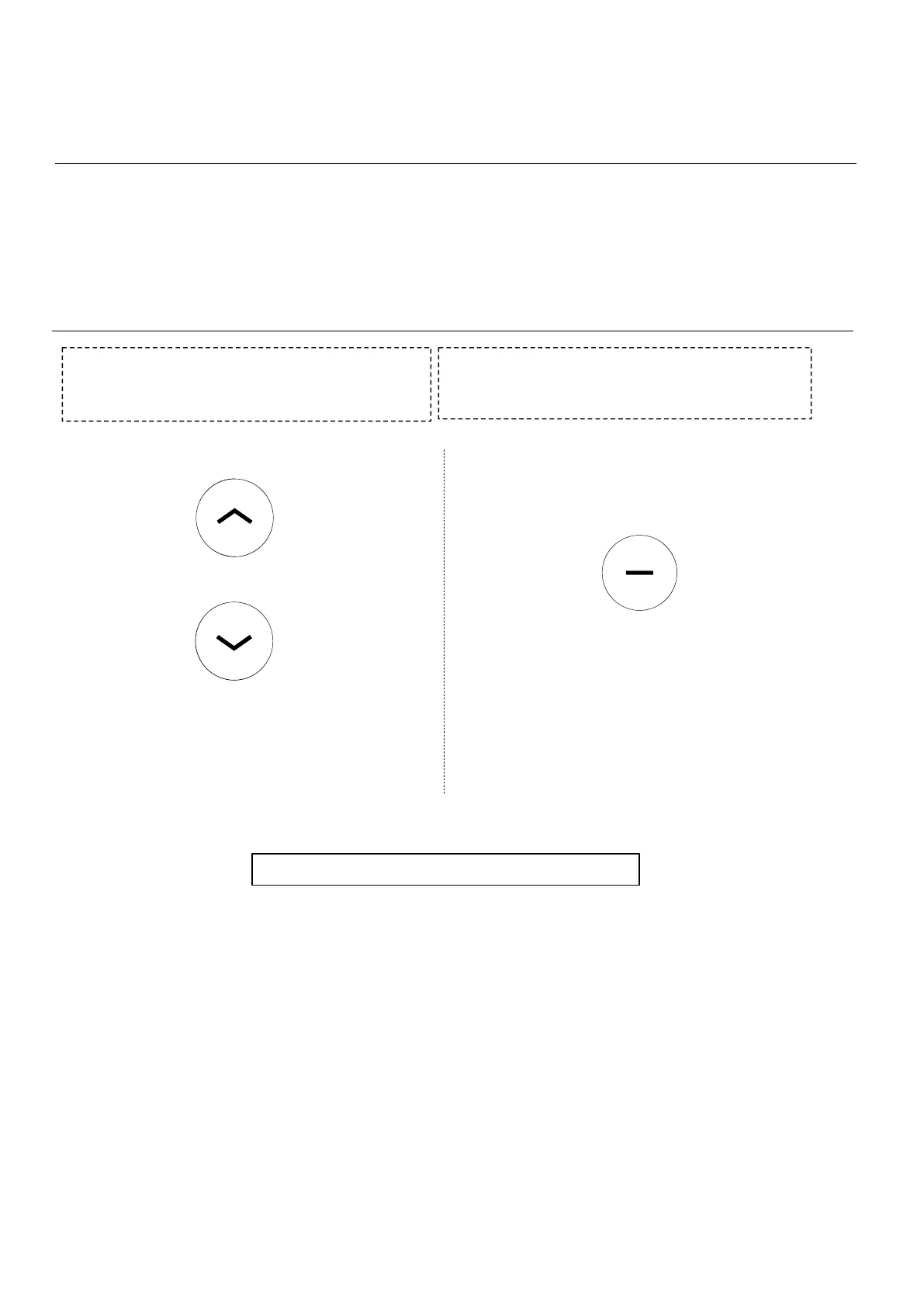
With the remote unlocked. Hold the UP and
DOWN button on the controller for approximately
5 seconds. The motor will jog up and down once.
Immediately after the motor jogs, press and hold
the STOP button. The motor will jog up and down
and beep to confirm Tilt Mode has been entered.
If you do not activate tilt mode in time the motor programming sequence will time out, repeat
the above steps assuring to press the STOP button within 4 seconds of the motor jog
Note:the motor jogs once Note:the motor jogs once
Note:
+



 To Next Page