Favorite Positions
Each battery motor will come preprogramed from Smartwings .
The preprograming ensures the remote is paired with the motor, the upper and lower operation limits
are set, the remote is unlocked.
Follow the below steps to set a favorite position. The favorite position is used to set a custom stopping
point between the upper and lower limits. (1 favorite position per shade motor)
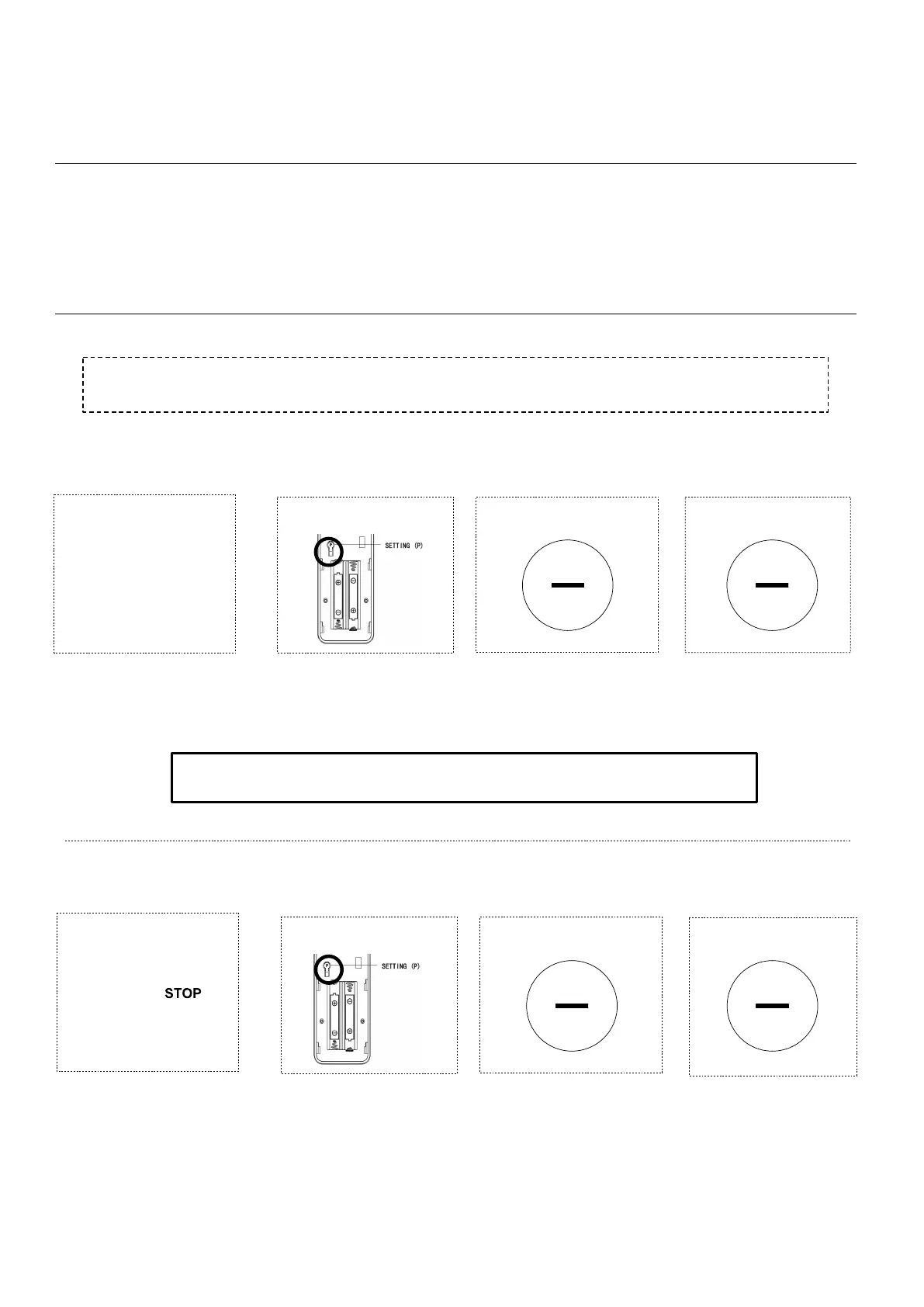
To set a favorite position for a shade motor, drive to the desired position and press the STOP
button to pause the drive operation.
Press P (1sec)
1 (To Save Position)
Press UP or DOWN
to move shade to
desired favorite position
position
SETTING FAVORITE POSITION
3
2
• Press STOP (2sec) to move shade to the Favorite Position from any location
Repeat Steps 1-4 for all additional motors•
Press STOP (1sec)
DELETING FAVORITE POSIT ION
the shade is
1 (To Delete Position)
Note: the motor jogs twice
Note: the motor jogs once
Note: the motor jogs once
4
Press STOP (1sec)
Press P (1sec)
3
2
Press STOP (1sec)
Note: the motor jogs once
Note: the motor jogs once
Note: the motor jogs once
Press STOP (1sec)
4



 To Next Page