Initial Setup Programming
Press any
button to
wake remote.
Within 10sec Press
" " or " "to
select desired
channel.
1a
1b
1. SELECT CHANNEL
Within 10 sec of
activating pairing mode,
Press & Hold STOP
If you do not pair the remote in time the motor pairing sequence will time out, repeat the
above steps assuring to press and hold the STOP button within 10 seconds of the motor jog
2. PAIRING REMOTE TO MOTOR
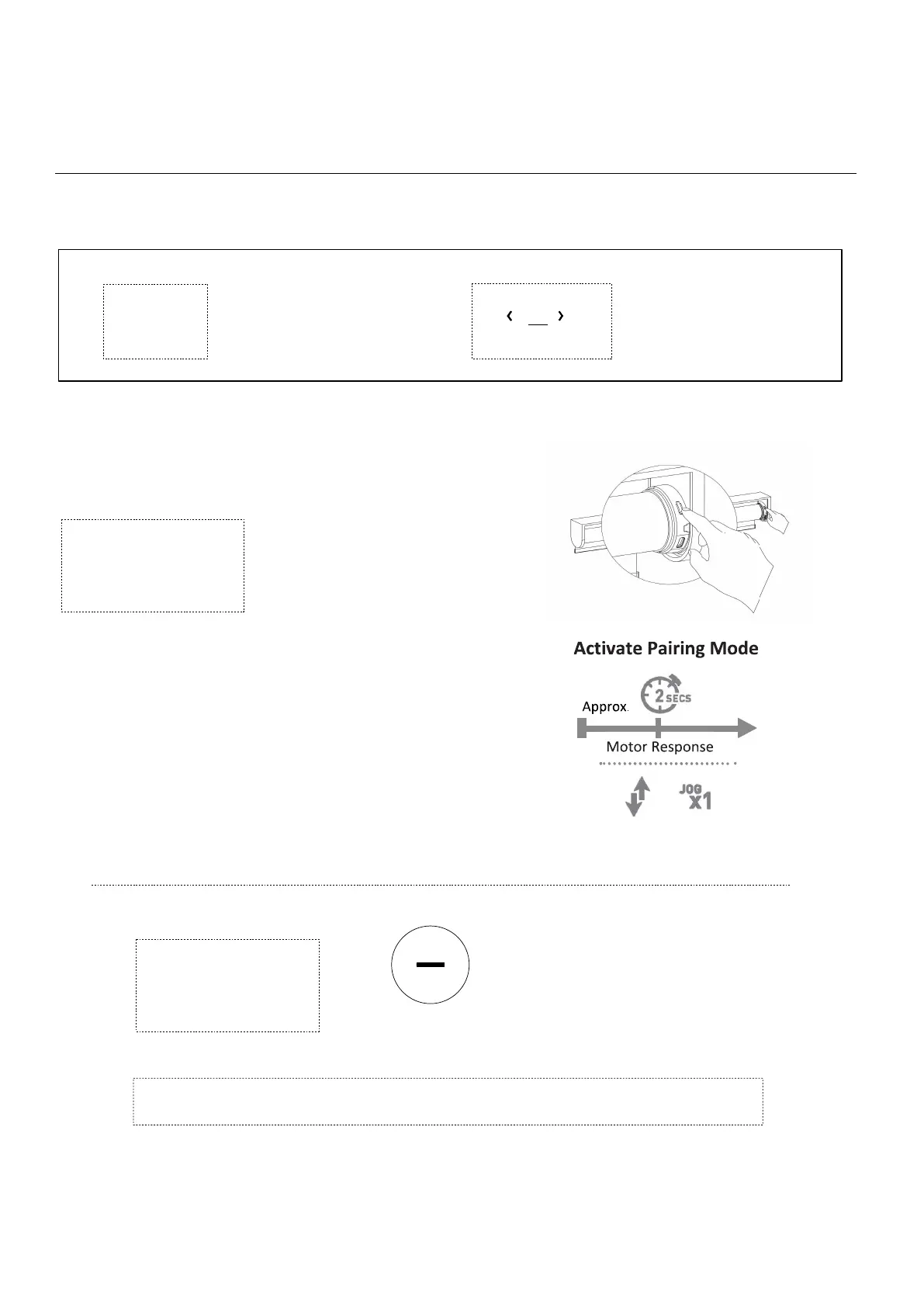
Press & HOLD
Programming Button
on motor head (2sec)
2a ACTIVATE PAIRING MODE ON MOTOR
2b PAIRING REMOTE
Note:the motor jogs once
Note:the motor jogs twice
Press STOP (2sec)



 To Next Page