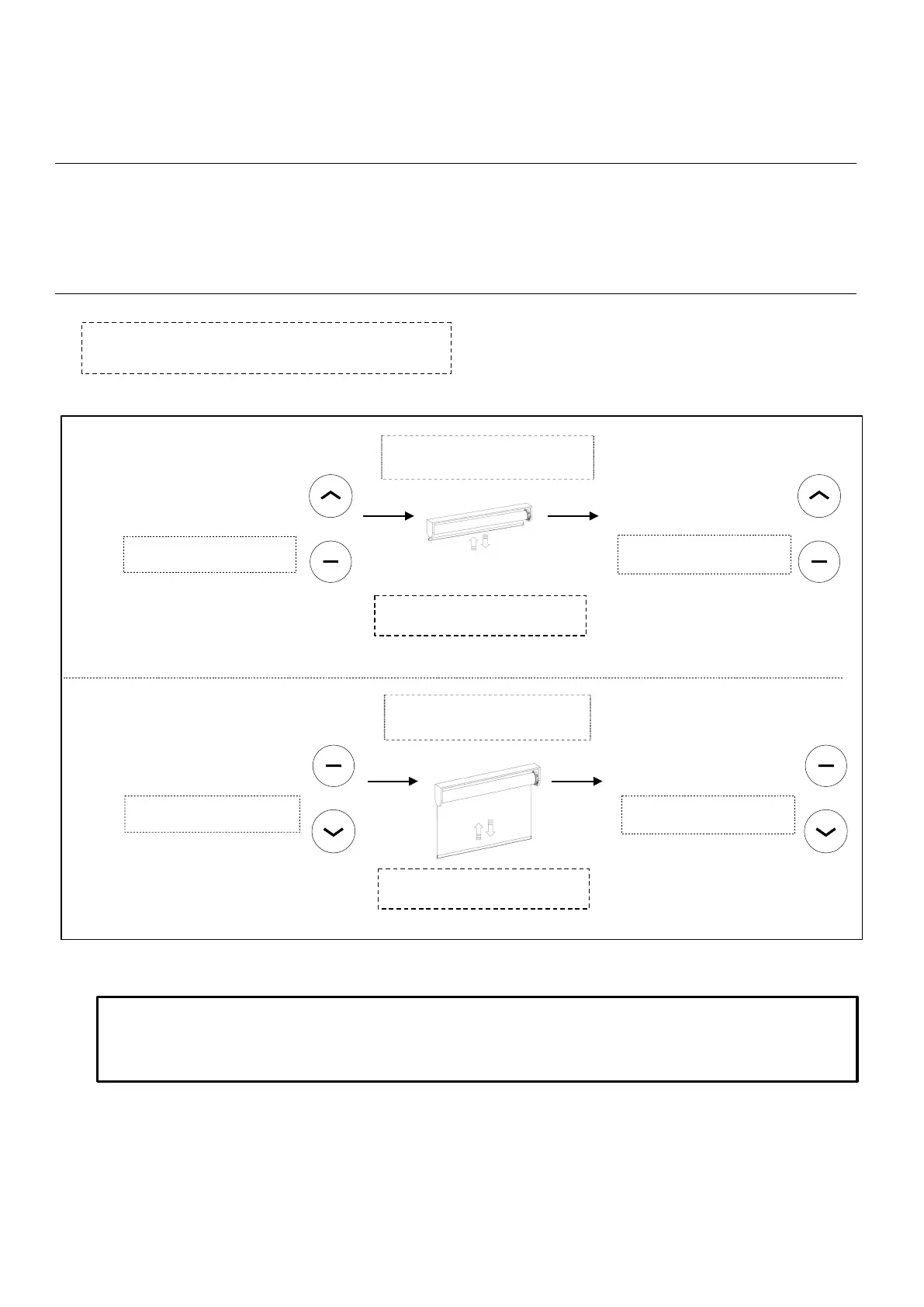
Adjusting Limits
Each battery motor will come preprogramed from Smartwings .
The preprograming ensures the remote is paired with the motor, the upper and lower operation limits
are set, the remote is unlocked .
Follow the below steps to adjust the upper and lower limits if required.
Press UP & STOP (5sec) Press UP + STOP (2sec)
(SET Top Limit)
ADJUSTING LOWER LIMIT
ADJUSTING UPPER LIMIT
Move the shade to the new desired
position to be set as limit.
Press DOWN & STOP (5sec)
Press DOWN + STOP (2sec)
(SET Lower Limit)
If limits need adjusting, follow the instructions
below to unlock the remote for limit setting:
!!WARNING!! - Move shade in short increments by pressing the UP/DOWN button in 1 second intervals (pressing the
UP/DOWN button for more than 3 seconds may send the shade past desired upper/lower limit and may result in
damage to the product). Once you have reached the desired upper/lower limit, you can adjust the limit with either the
UP and DOWN buttons. (remember to adjust in short increments!)
Important!! Stop the shade prior to
traveling past the desired upper limit
Important!! Stop the shade prior to
traveling past the desired lower limit
Note: the motor jogs once
Note: the motor jogs once
Note: the motor jogs twice
Note: the motor jogs twice
Move the shade to the new desired
position to be set as limit.
+ +
+ +



 To Next Page