Initial Setup Programming
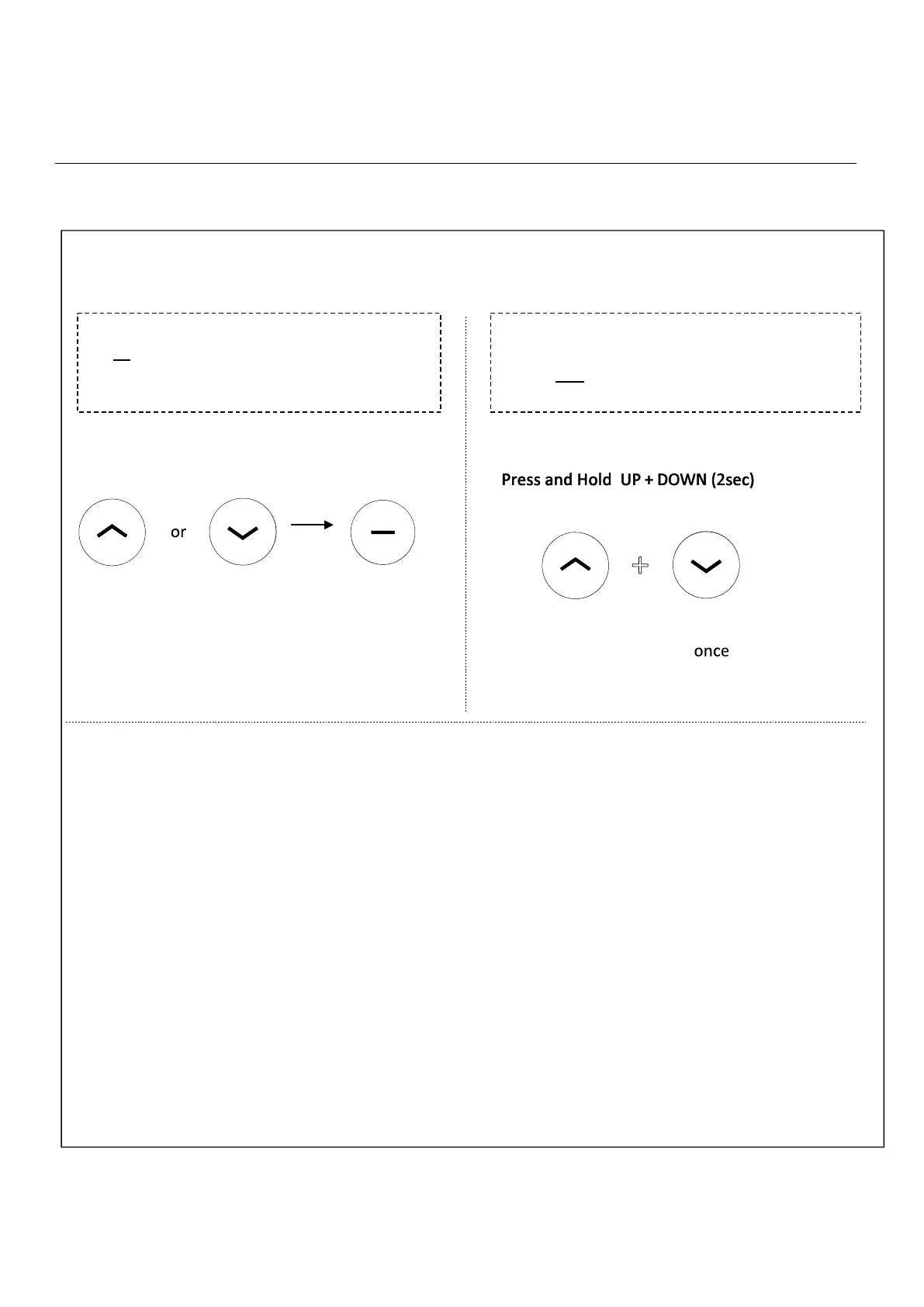
To check motor direction, quickly press the
UP or DOWN button to move the shade
initially. Press STOP to pause the shade
operation.
IF DIRECTION DOES NOT ALIGN WITH
UP/DOWN BUTTONS – Press and hold down
the UP and DOWN button simultaneously until
the motor jogs UP and DOWN once.
REMOTE OPERATION
(Reversing motor direction using this method is only possible during initial set-up,
prior to first time limit setting, or after a re-set of motor
)
4. Reverse Motor Direction If Required
Note:the motor jogs
+



 To Next Page