C
HAPTER
5
| AP Mode Configuration
Switching to Station Mode
– 38 –
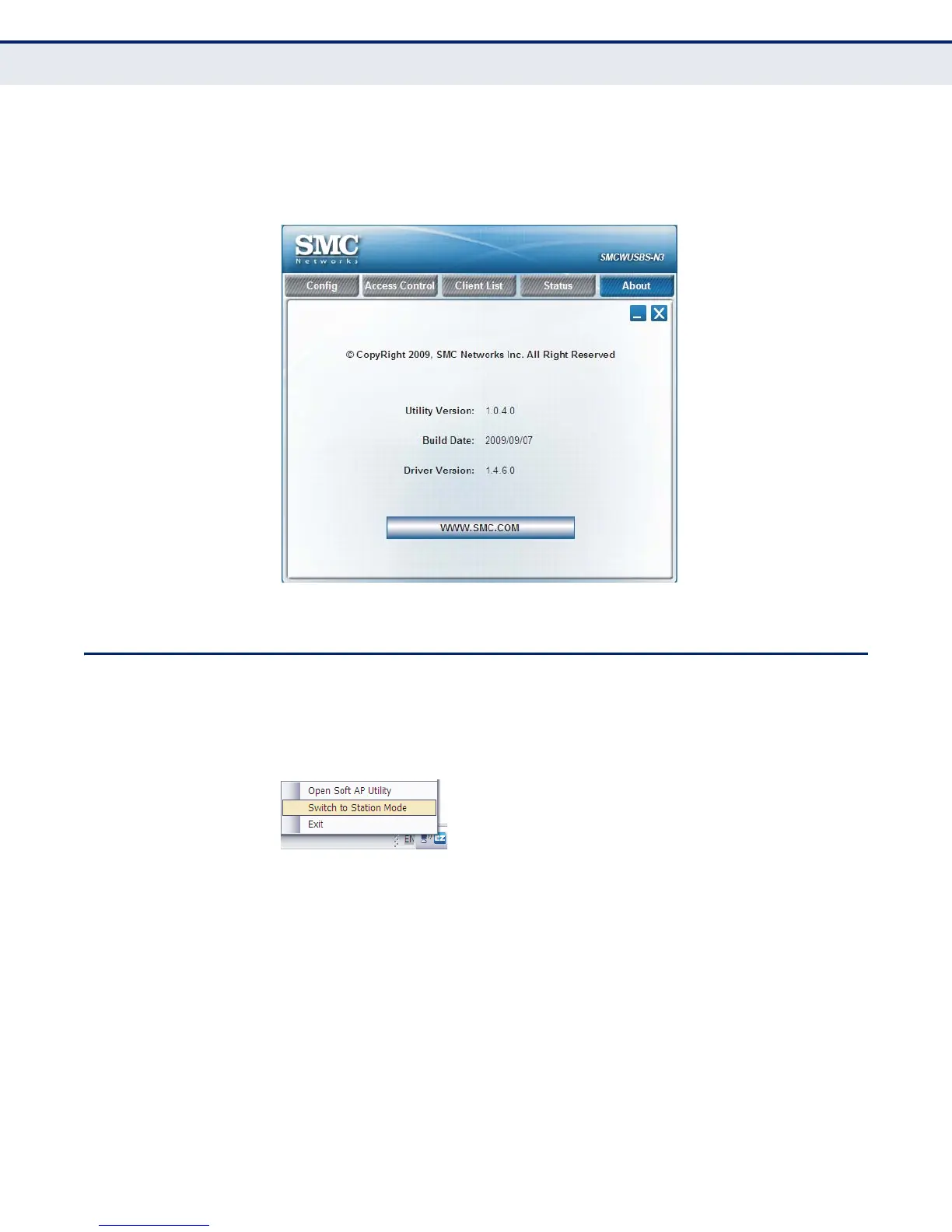
ABOUT The About page displays information about version numbers of the
configuration utility, driver and build date of the device. Click the
WWW.SMC.COM button to visit the SMC website.
Figure 30: About Information Display
SWITCHING TO STATION MODE
If you want to switch the device back to the client mode, right click the Soft
AP system tray icon, and then select "Switch to Station Mode."
Figure 31: Switch to Station Mode


 To Next Page
 Loading...