Servodrives / inverters series COSMOS 301X Installation, use and maintenance manual - EN
6 UPDATING THE FIRMWARE
Due to improvements or additional functions, the servo-drives/inverters of the COSMOS 301X series can be
upgraded with a more recent firmware version.
In models KZ010374/5/6, the upgrade is automatic, through Flextron/FLxIO bus and it is not possible to
perform updating procedures directly on the device. By upgrading the firmware of the master device, all
drives/inverters connected to the master device will be upgraded when they are started.
For other models, the upgrading operation requires a PC with Windows XP or recent release, equipped with
a free USB port; also the SMITEC Winmicro dedicated software must be already installed on the PC. In order
to install this utility, refer to the guide included in the installation files. Also the RS-USB485 adapter (cod.
KZ020087) and the programming cable (cod. KF131284) are required.
• Connect the USB-RS485 adapter (KZ020087) to a USB port on the computer, by means of the
programming cable. If you use a commercial cable, its length must not exceed 3 metres.
• Connect the RS485 cable (cod. KF131284) to the connector J1 on the servo-drive.
• Power up the servo-drive.
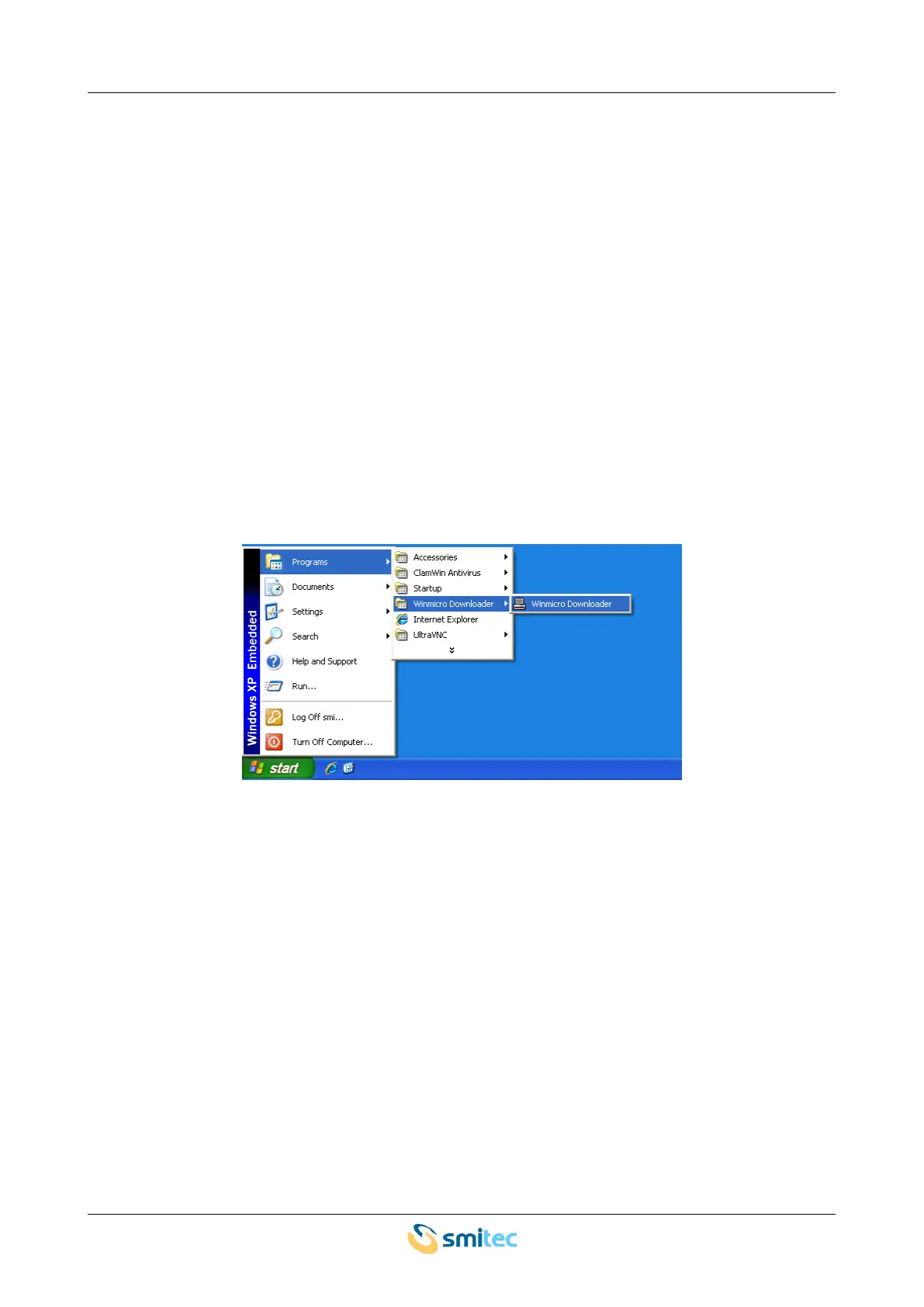
• Start Winmicro from the programme menu, as indicated in the following picture:
Ver. 1.09 SMITECdd 65/74



 To Next Page