22
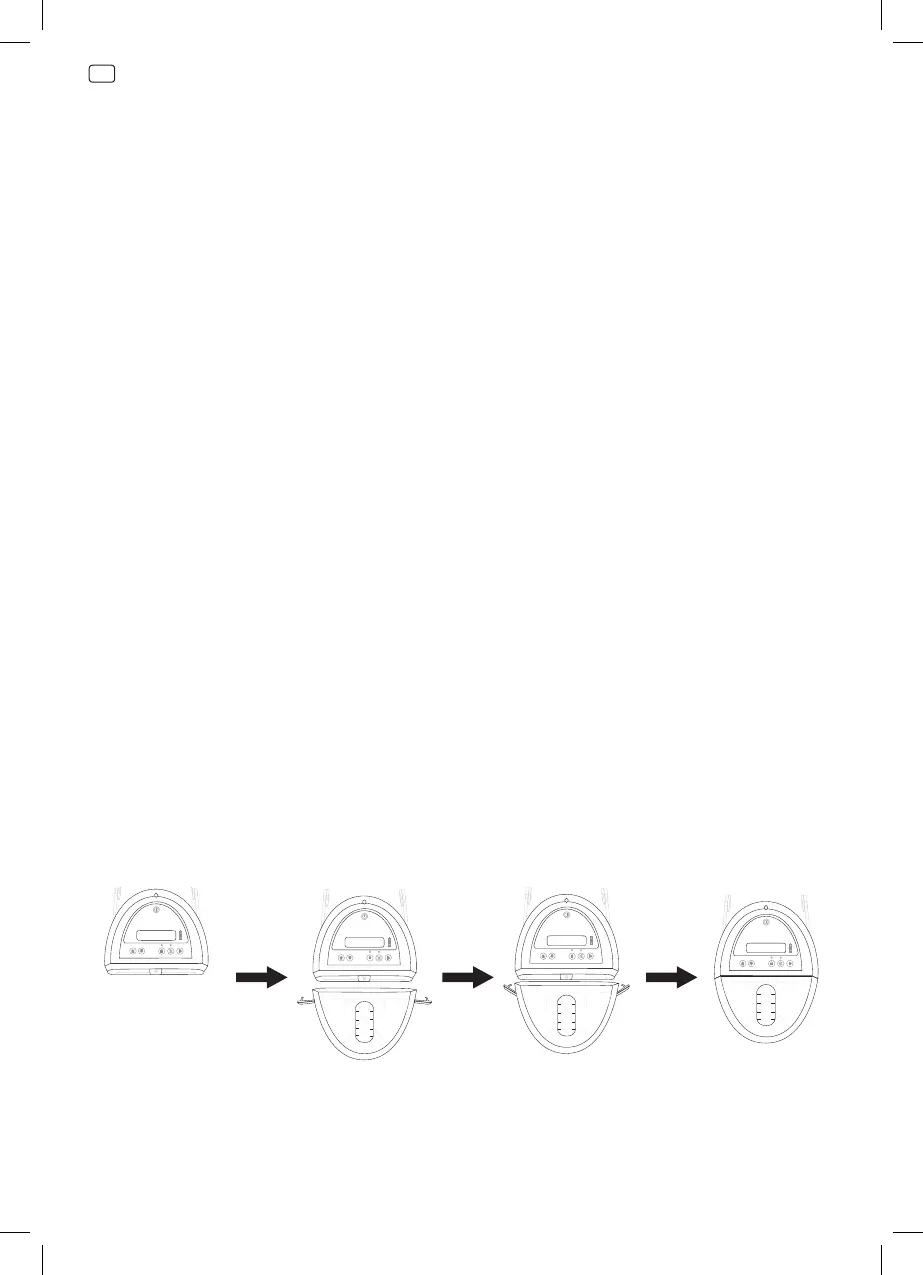
Attaching a new canister
1. Turn off the device.
2. Disconnect the dressing from the canister tubing as described in the
Disconnecting Your Dressing section.
3. Open the orange canister clips on either side of the canister and
gently pull the canister away from the device.
4. Disposal of used canisters should follow local guidelines relating to
the handling of potentially infectious or bio-hazardous materials.
Please contact your healthcare provider for details about disposal.
5. Check canister for any signs of cracks or damage. If noted, discard
and replace canister.
6. Remove paper tape around the new canister tubing to release tubing
to the full length.
7. Open both orange clips on the new canister.
8. Align the canister so that the viewing window is facing forward.
9. Push the canister gently over the inlet port of the device.
10. Engage both canister clips. Clips will click when they are fully
engaged.
Negative Pressure Wound
200ml
100ml
50ml
300ml
Negative Pressure Wound
200ml
100ml
50ml
300ml
Negative Pressure Wound
200ml
100ml
50ml
300ml
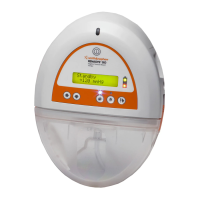
RENASYS™ GO
Negative Pressure Wound



 To Next Page