39
D745 User Manual Getting to Know Your Phone
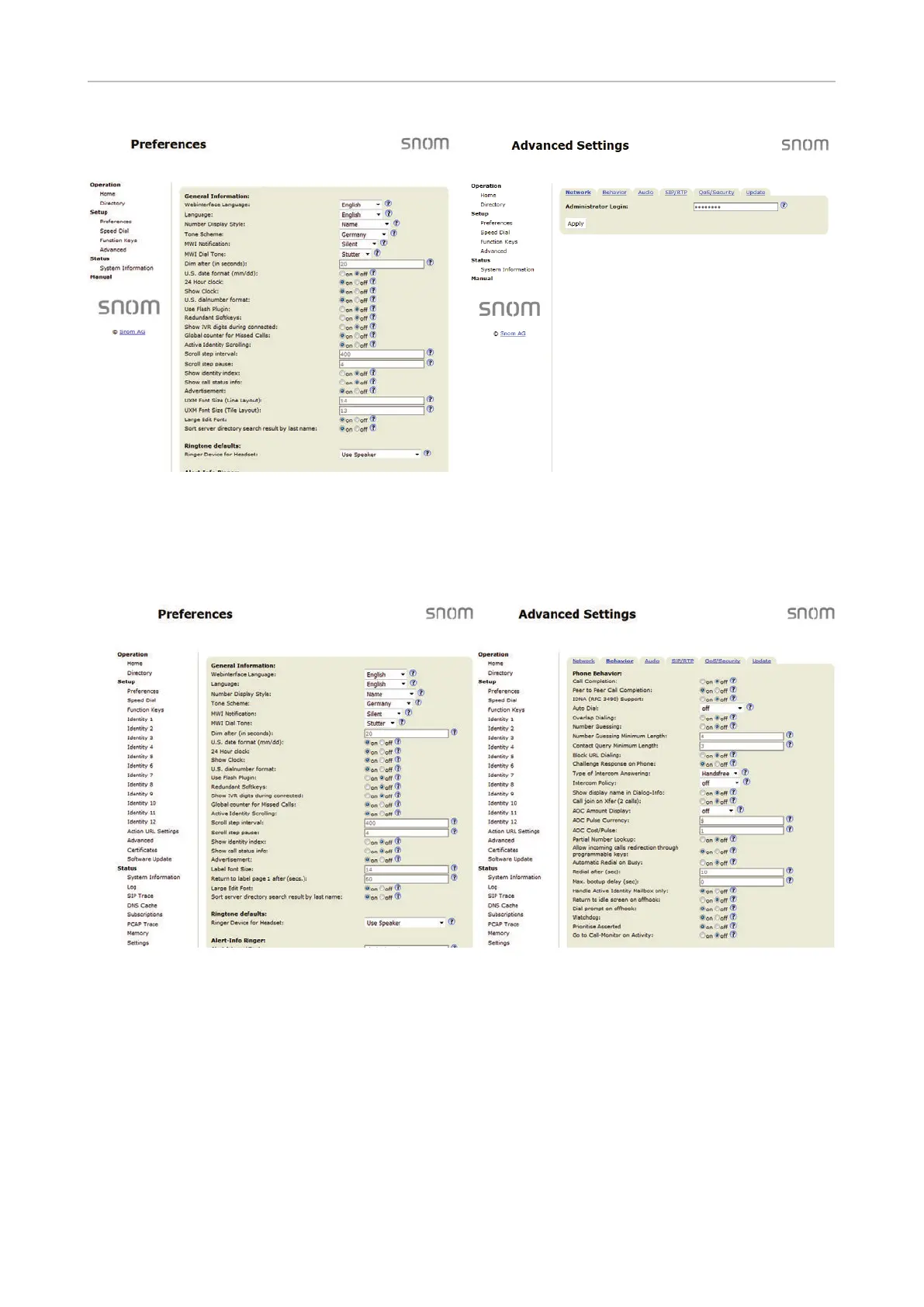
Fig. 1 Fig. 2
To return the phone and its web interface to administrator mode, open the Advanced Settings page,
enter the administrator password in Administrator Login and click on "Apply" (Fig. 2). The default
password is 0000 (4 x zero). In administrator mode, the two pages look like this:
Fig. 3 Fig. 4



 To Next Page