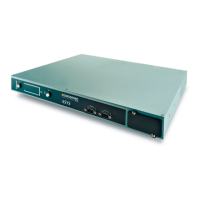
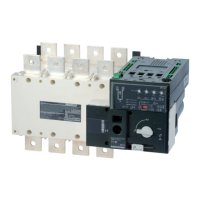
4. PRODUCT INTRODUCTION
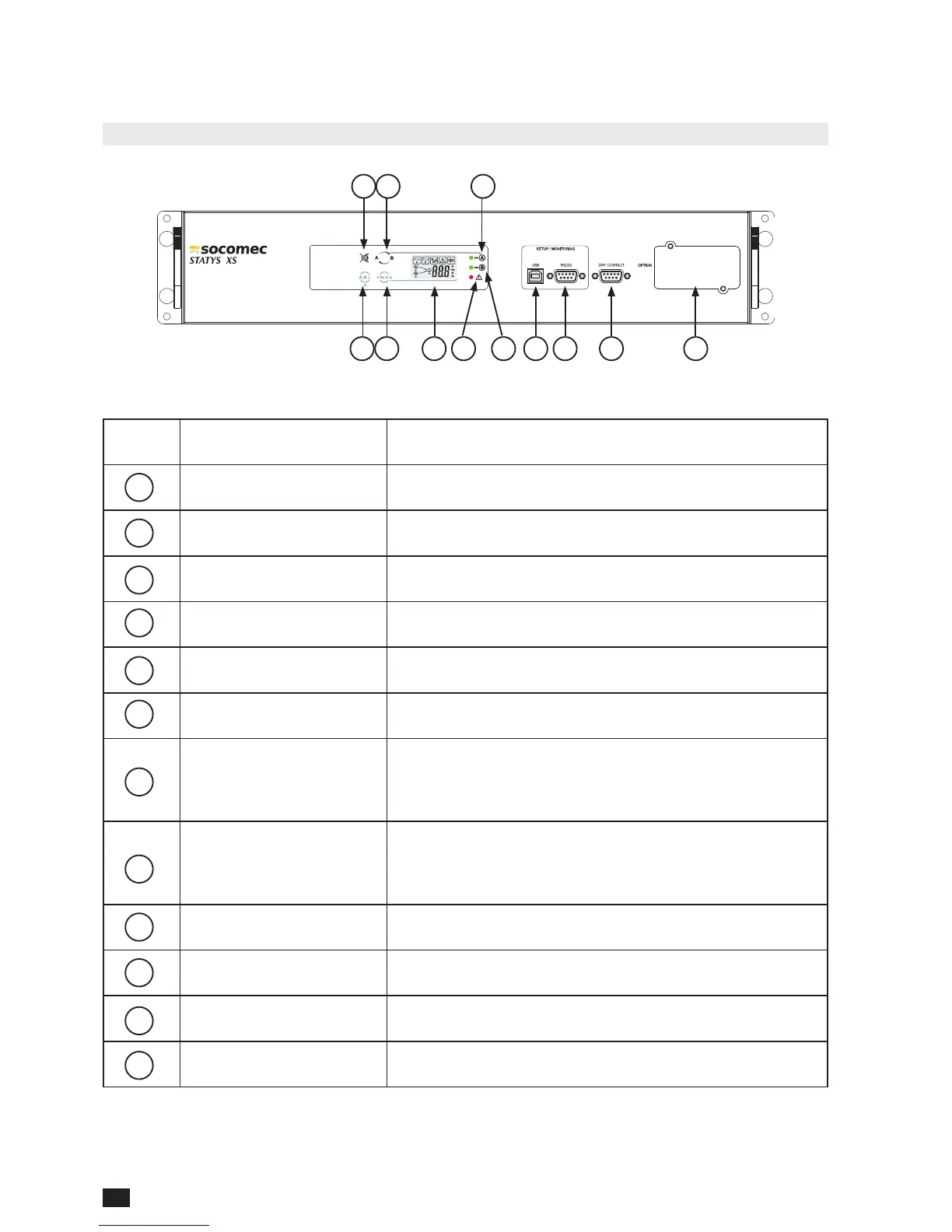
4.1. Front Panel
No. Item Description/function
Mute button Turns the sound of the alarm off when present
Source selection button Select source to view info: Input A, Input B, or Load
Info selection button
Select source info to view: voltage, frequency, current*, load
capacity*
Input selection button Switch input source: Input A <-> Input B
LCD System status display
Error indicator Lit: System malfunction or abnormal Dim: System normal
Input indicator B
Lit: Normal input voltage and frequency
Dim: Abnormal input voltage and frequency
Flashing: Indicates higher priority
Input indicator A
Lit: Normal input voltage and frequency
Dim: Abnormal input voltage and frequency
Flashing: Indicates higher priority
USB port Connection for software setup or monitoring software
RS-232 port Connection for software setup or monitoring software
Dry contact port Dry Contact
External communication slot For external communication cards, e.g. RS- 485, SNMP
*only on the Output
1
1
2
2
3
3
4
4
5
5
6
6
7
7
8
8
9
9
10
10
11
11
12
12


 To Next Page
 Loading...