ELECTRICAL CONNECTIONS
84 HYD 5K...20KTL-3PH
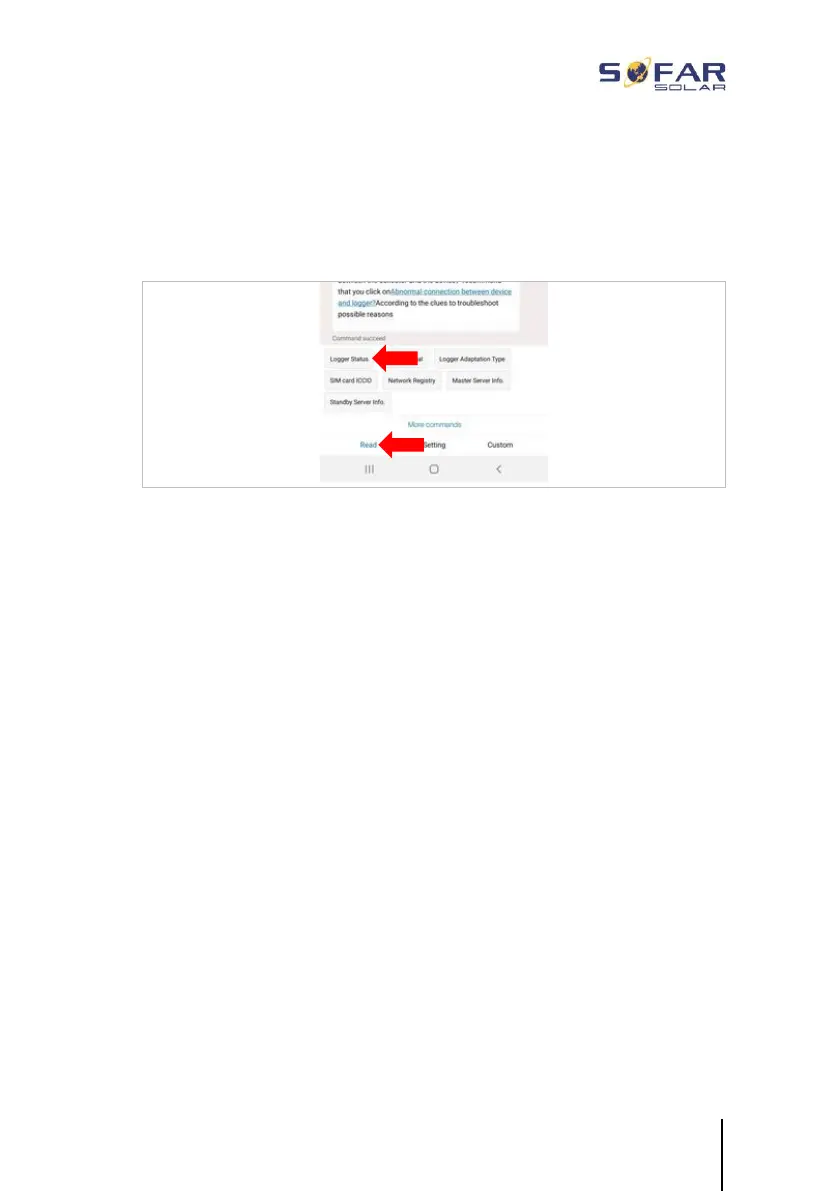
7. You can check the status via the “Logger Status” and “Read”
menu item. Depending on the grid operator, wait several minutes
until the connection has been established and the status is
normal:
5.12.4 Setting up the Ethernet stick
The Ethernet stick is delivered with DHCP as standard, so it
automatically gets an IP address from the router.
If you wish to set up a fixed IP address, connect a PC to the Ethernet
stick and open the configuration page via the web address
10.10.100.254.





 To Next Page