ELECTRICAL CONNECTIONS
SOFAR 1100...3300TL-G3 49
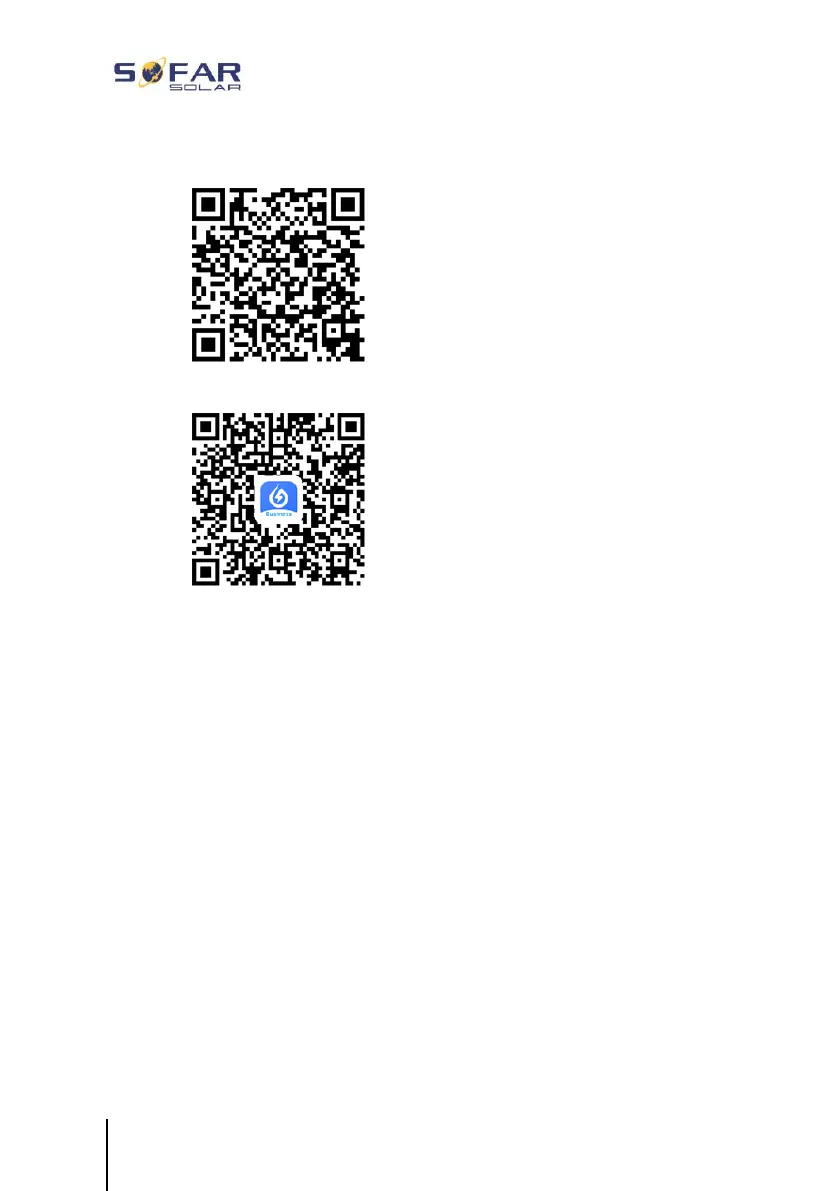
• SOLARMAN Smart (for end customers):
• SOLARMAN Business (for installers):
Configuration steps
1 After starting the app, register as a new user or enter the current
SOLARMAN access data.
2 Create a new system and save the system data.
3 Scan the barcode of the stick logger to assign an inverter to the
system.
4 Go to the newly created system in order to configure the stick
logger (device/logger)
5 Press the button on the WiFi stick for 1 second to activate the
WPS mode of the stick so that the smartphone can be connected
to the WiFi stick.







 To Next Page