OPERATION OF THE DEVICE
60 SOFAR 1100...3300TL-G3
7 Operation of the device
This chapter describes the LCD and LED displays of the SOFAR
1100TL ... 3300TL-G3 inverter.
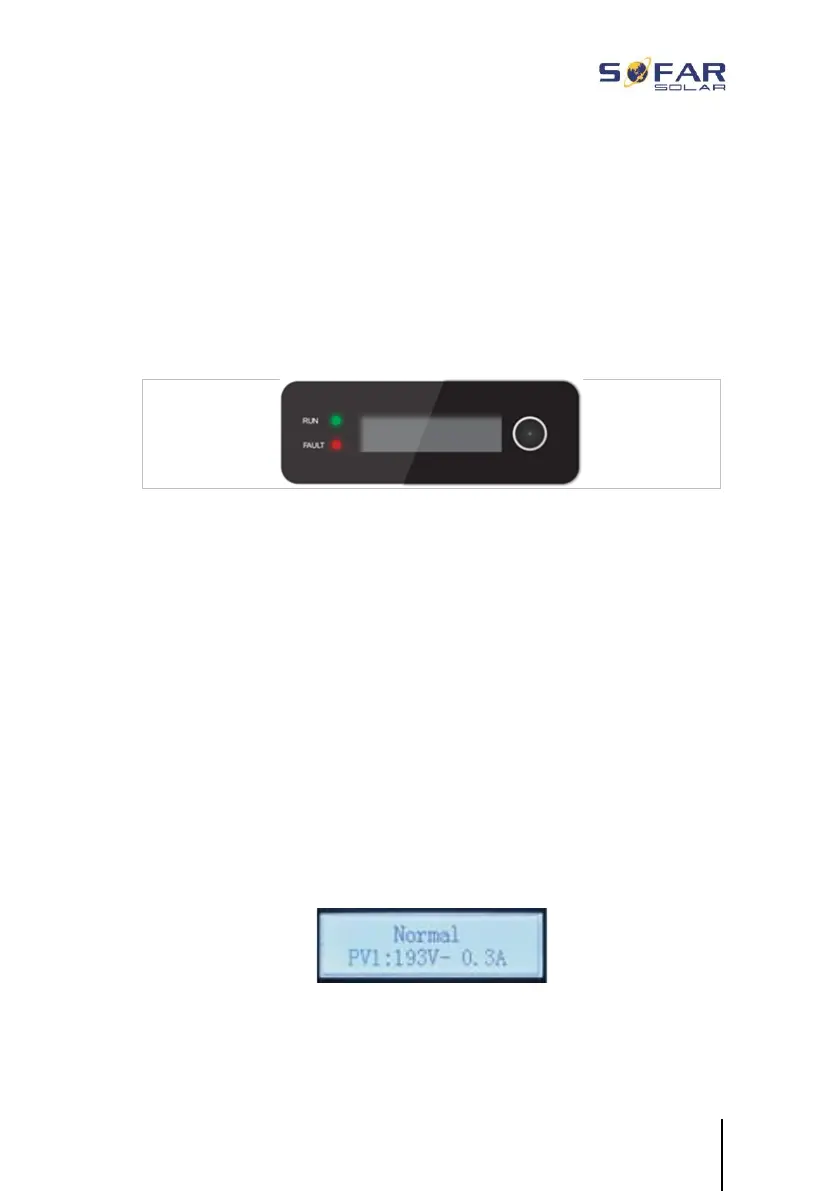
7.1 Control panel and display field
7.1.1 Buttons and display lights
Button
Hold the button down to bring up the next menu level or to confirm
the selection ("Enter" button)
Press the button briefly to scroll through the menu entries.
LEDs
RUN (green) illuminates: “Normal” state
flashes: “Wait” or “Check” state
FAULT (red) illuminates: “Error”
7.2 Standard display
This shows a rolling display of the DC voltage/current (PV1), energy
yields (today/total), grid voltage and current, as well as the status.







 To Next Page