EasyManua.ls Logo

Sofarsolar SOFAR 1100TL - Page 51

Sofarsolar SOFAR 1100TL
82 pages
Print Icon
To Next Page IconTo Next Page
To Previous Page IconTo Previous Page
Loading...
ELECTRICAL CONNECTIONS
SOFAR 1100...3300TL-G3 51
Keystroke
Description
5 sec.
Restart
10 sec.
Restart (reset)
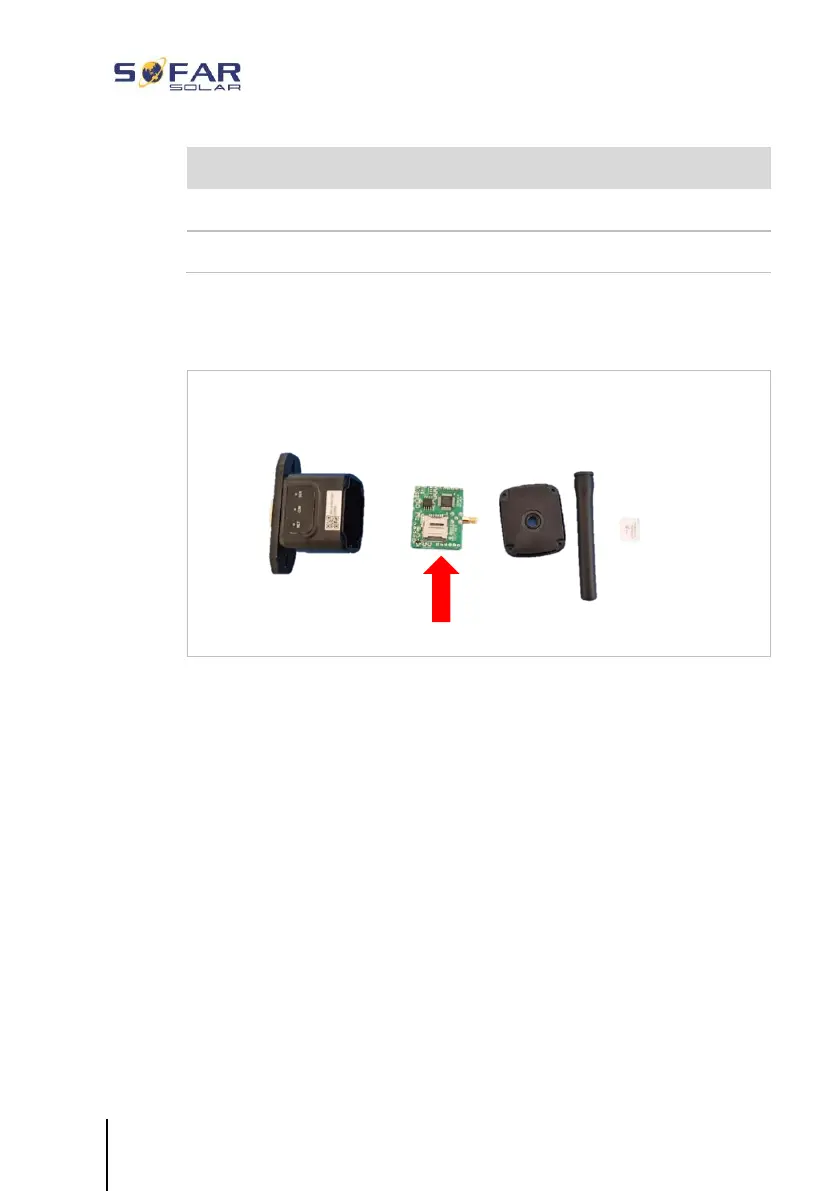
5.7.3 Setting up the GPRS stick
The GPRS stick must be equipped with a SIM card:
The GPRS stick must be set up via the SOLARMAN Business:
Observe the following steps:
1 Open the app and call up the Bluetooth Tools menu item
2 Identify the WiFi stick with the serial number and select it.
3 Call up the “Custom” item
4 Enter the command AP+YZAPN= “APN name of your grid
operator”
(e.g. for T-Mobile: AP+YZAPN=internet.v6.telekom)
5 To check the setting, call up AP+YZAPN


Related product manuals