Inputs
21
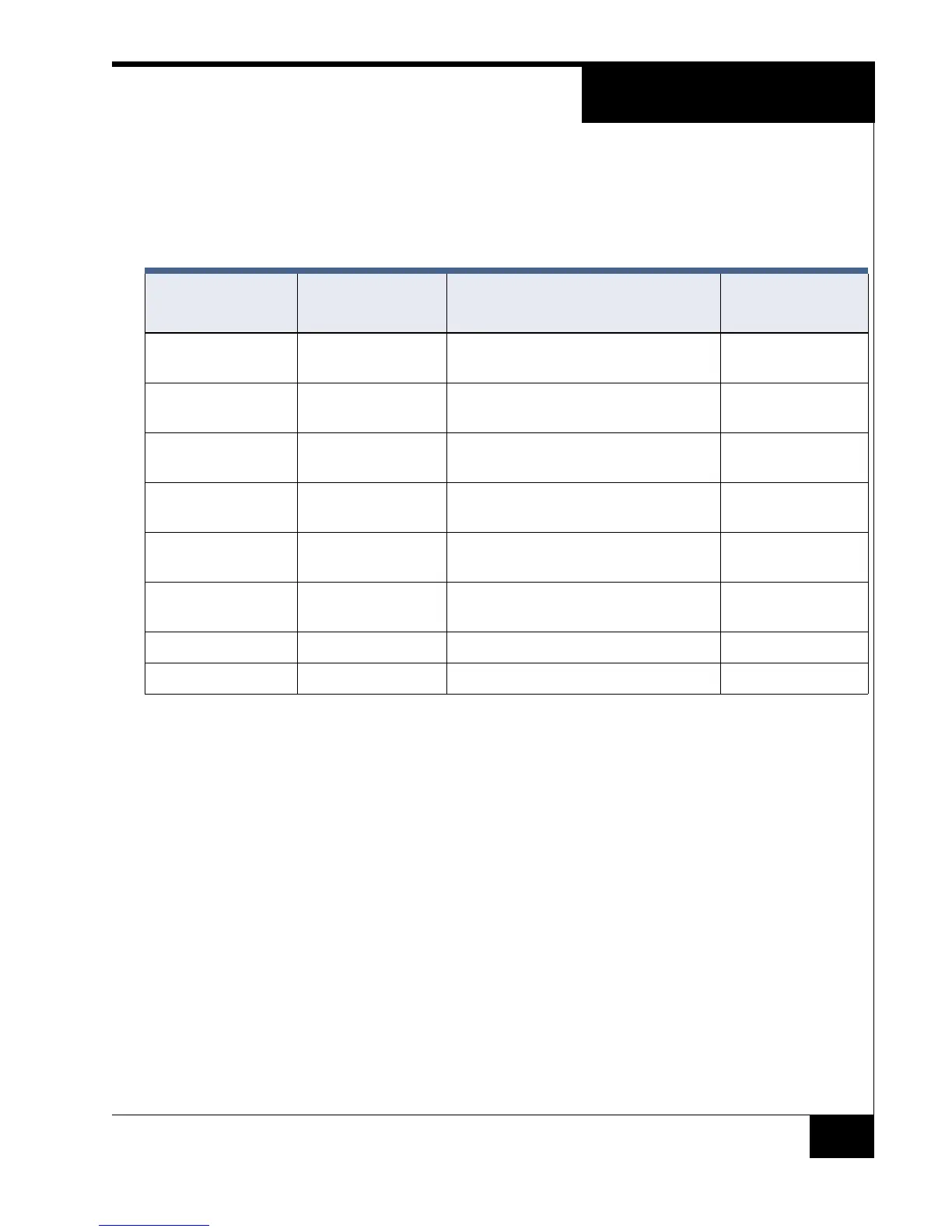
SW 5 DIP Switch Functions
The SW 5 DIP switch on the RM-4E is similar to the SW 3 DIP switch on
the RM-4.
Note: On = Closed, Off = Open
TABLE 8. SW 5 DIP Switch on RM-4E and SW 3 DIP Switch on RM-4
SW 5 DIP Switch
on RM-4E
Function Value
Equivalent DIP
Switch on RM-4
SW 5-1 Reader Type Off = Magnetic (ABA) signaling,
On = Wiegand signaling,
SW 3-1
SW 5-2 LED Control Off = Normal,
On = One-Wire (A,B,C)
SW 3-6
SW 5-3 LED Control Off = Normal,
On = External Bi-color
SW 3-3
SW 5-4 Tamper Off = Normal Tamper,
On = Inhibit Tamper
SW 3-4
SW 5-5 RS-485 Termination Off = Not last in line,
On = Last in line
SW 3-5
SW 5-6 Input 1 and Input 2
LED Control
Off = Do not display LEDs,
On = Display LEDs
N/A
SW 5-7 Not Used Not Used N/A
SW 5-8 Not Used Not Used N/A


 To Next Page