Device Manual V3.2_iOS 10
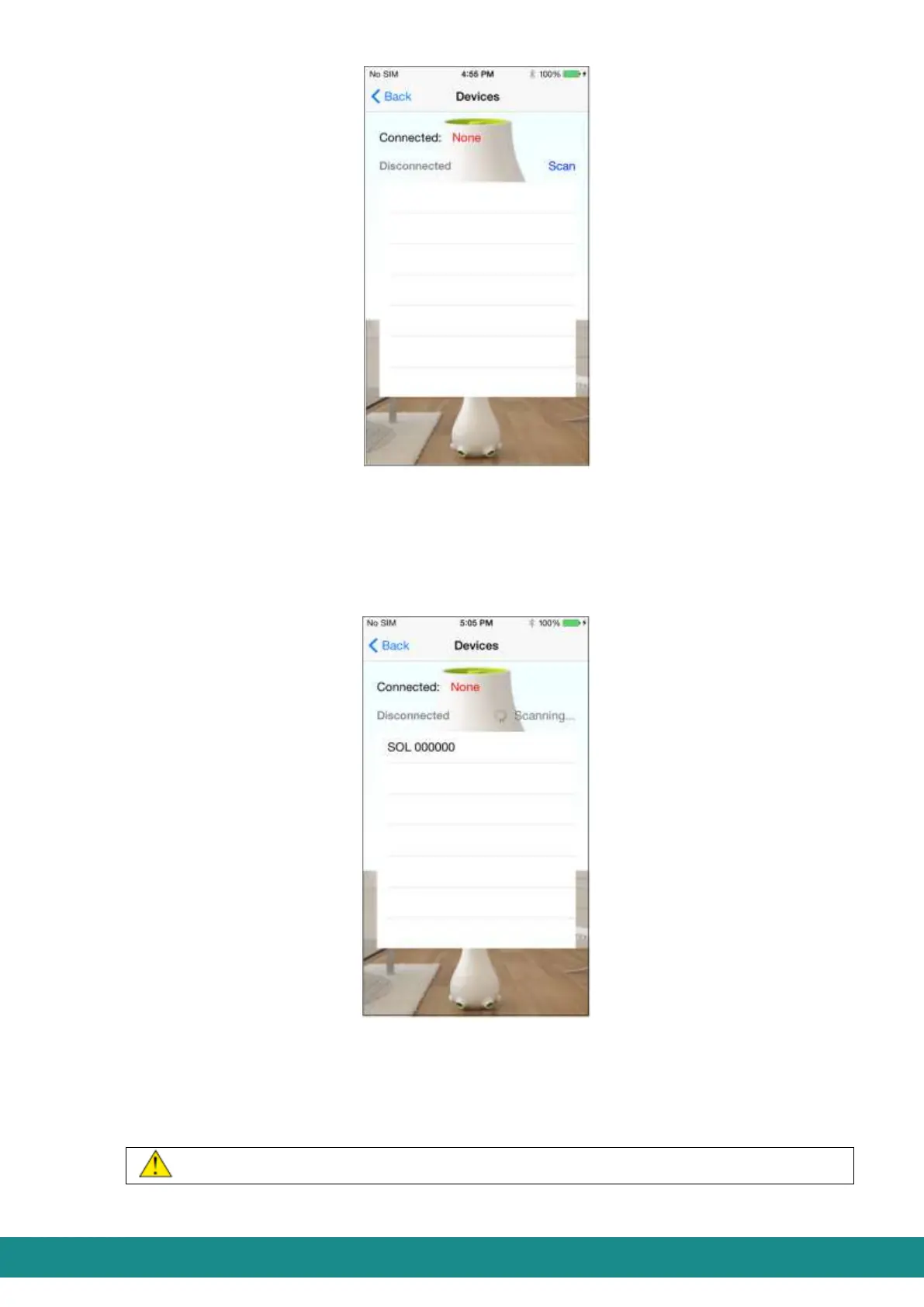
Figure 11: User Interface, connecting device
5) You can see the ID of the device on the list (in case you have more than one devices,
you can see the ID of each device within the transmission distance of the Bluetooth
connection). In this case this would be „SOL 000000”. The characters standing after
SOL mean the production number.
Figure 12: User Interface, connecting device
6) Choose the ID from the list and the application will request a PIN password (this is
needed to avoid others connecting to your device without permission). Originally the
PIN password is 1234 at all cases and it is highly advised to change as described in
Part 4.2.5.2.4.
At first connecting the application will always request the PIN password!



 To Next Page