Device Manual V3.2_iOS 9
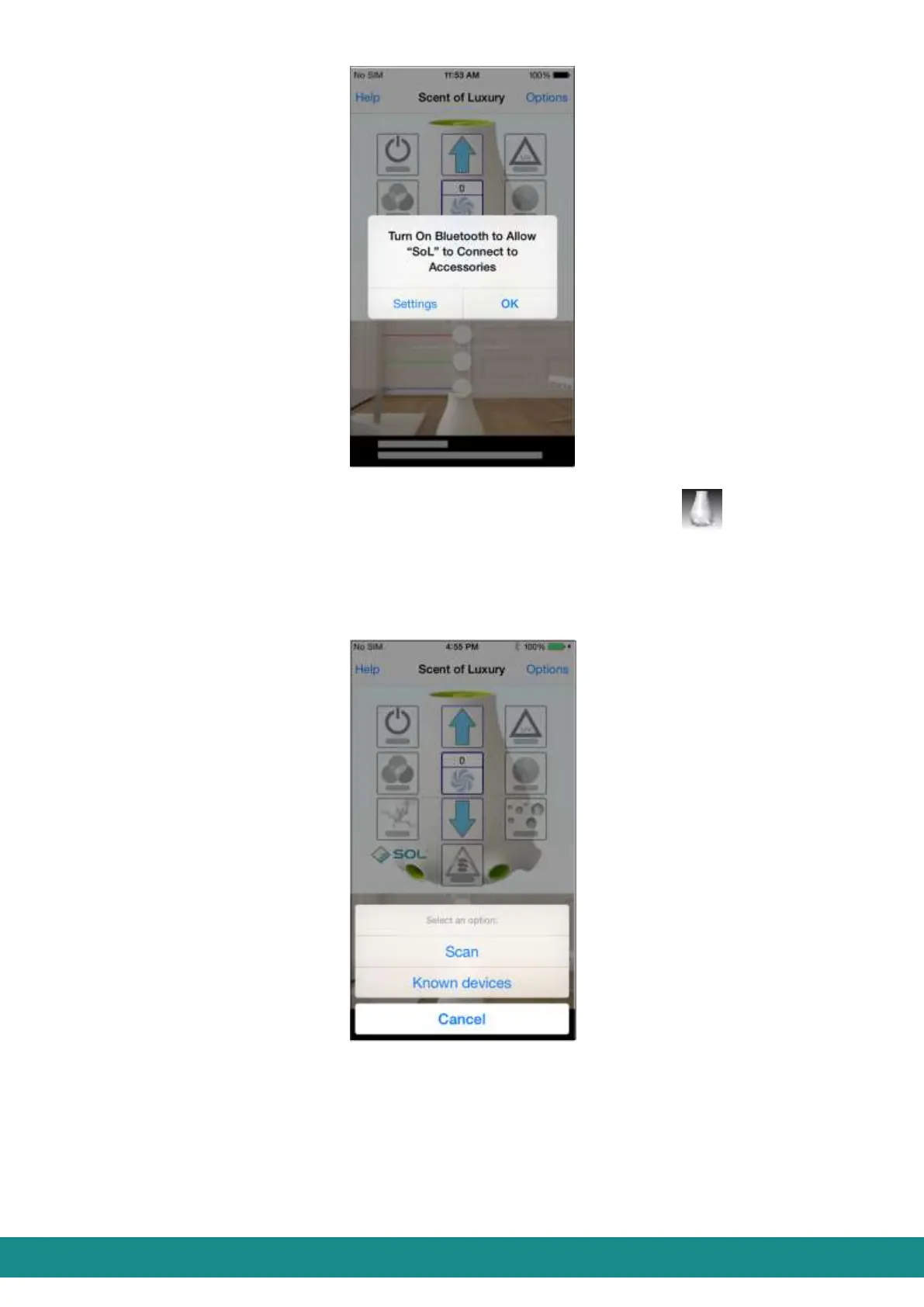
Figure 9: User Interface, Launch Bluetooth
After this, leave Bluetooth page and launch the application:
b. In case your Bluetooth is already running, after launching the application you
are transferred to the User Interface, where every button is grey, as shown at
Figure 2.
3) Touch „Options” and you will be transferred to the page as shown below:
Figure 10: User Interface, connecting device
4) Touch „Scan” and you will be transferred to the page as shown below:



 To Next Page