Version 6.2, February 2025
SolarEdge Solution Connection and Configuration Guide for Australia 7
Run a battery self-test
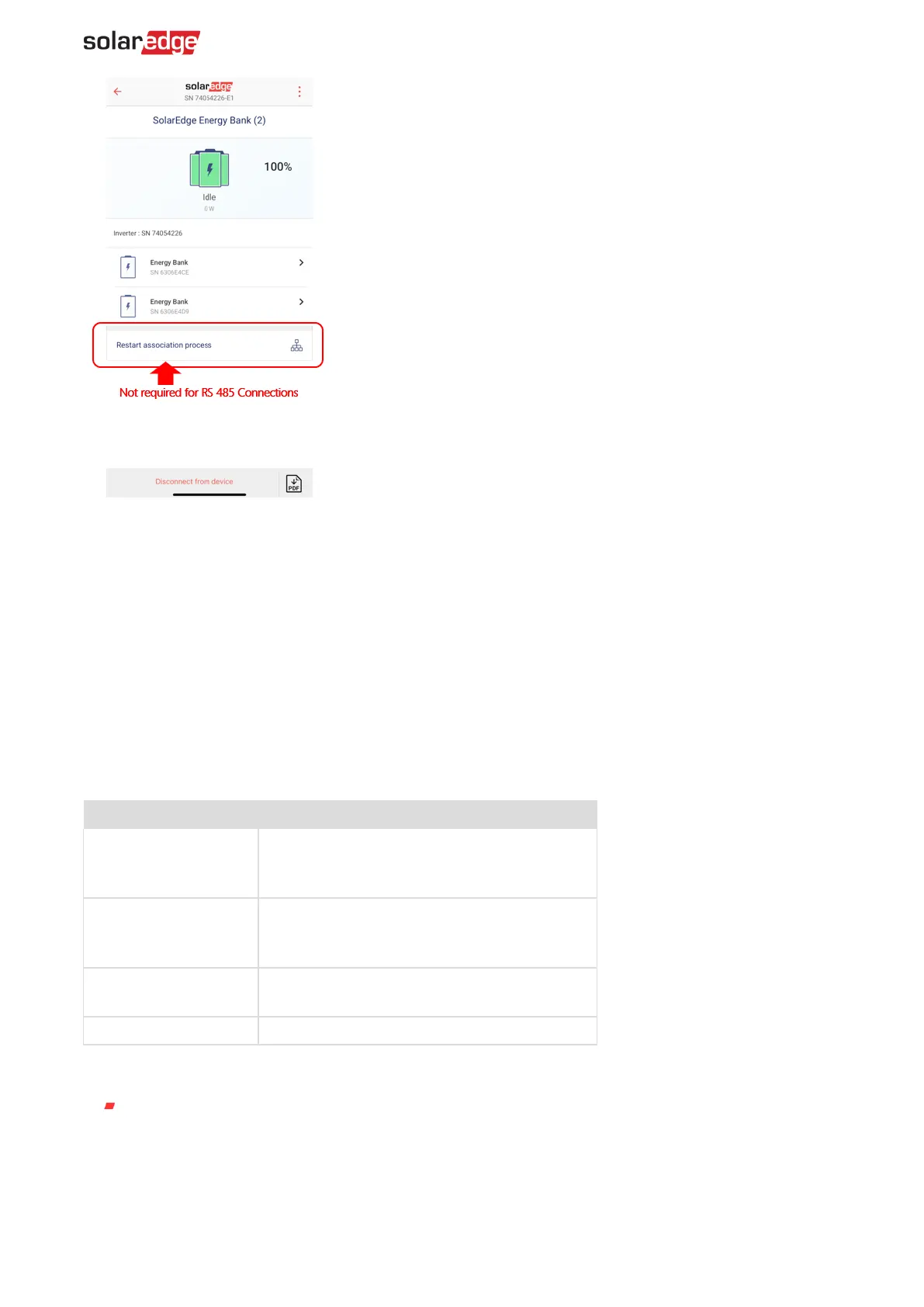
You can run a battery self-test after finishing the battery installation and configuration, refer to the
battery installation guide.
The purpose of the battery self-test is to check the battery's charge and discharge functionality.
To run a battery self-test:
1. Ensure the battery's circuit breaker switch is ON.
2. Switch the inverter P/1/0 switch to ON.
3. In SetApp, select Commissioning > Maintenance > Diagnostics > Self-Test Battery Self-Test >
Run Test.
4. Wait for all tests to complete and check the results in the summary table.
5. If any of the tests have failed, see the table below for possible solutions:
failed
Check that the power and communication cables
between the battery and inverter are properly
connected.
failed
Check that the power and communication cables
between the battery and inverter are properly
connected.
Check that the communication cables between the
battery and inverter are properly connected.
Switch the inverter P/1/0 switch to ON.
To display the last test results:
Select Commissioning > Maintenance > Diagnostics > Self-Test > Battery Self-Test > Show
Last Results.
Connect backup interface communication cables
To set up the Backup Interface for backup operation (on the Single-Phase Home Hub Inverter), a
communication connection between the Backup Interface and the inverter is required.



 To Next Page