Version 1.0, October 2024
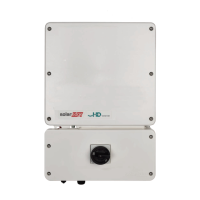
Replace Top of Home Hub Inverter — North America
9
NOTE
Make sure to use the previous settings for the meter and the battery.
2. Enable Backup Configuration and then select the previous Backup Reserved value when
there is a BUI on site.
3. From Commissioning go to Status and the following:
Status: ProductionS
OK: Server Connected (LAN)
After the commissioning process is finished, confirm that the new inverter is registered under
the site in the Monitoring platform.
Return the old inverter top to SolarEdge with the provided shipping label. For any
troubleshooting issues, contact SolarEdge support.
To view Top Replacement: SolarEdge Home Hub Inverter video, scan the QR code:


 To Previous Page
 Loading...