PROT: The protocol type to which the port is set:
For a SolarEdge device:
RS485 protocol ZigBee protocol
S: SolarEdge follower
M: SolarEdge leader
P2P: ZigBee point-to-point
MPM: ZigBee multipoint leader (for the ZigBee
gateway or for load management by the
inverter)
MPS: ZigBee multipoint follower (for a ZigBee
router card)
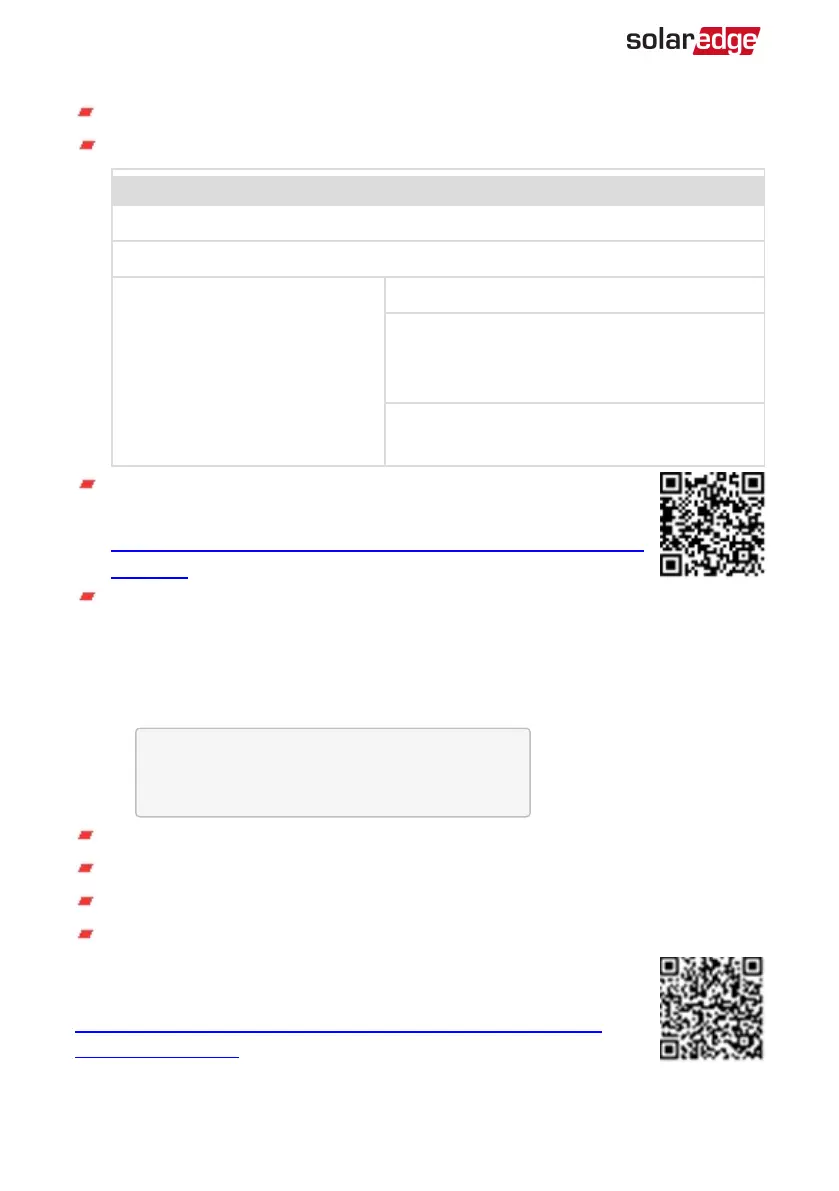
For electricity meters, refer to the
application note - Connecting an
Electricity Meter to SolarEdge Devices
at
http://www.solaredge.com/files/pdfs/solaredge-meter-installation-
guide.pdf.
SS: SunSpec - for a non-SolarEdge logger (monitoring and control)
Smart Energy Management Status
This screen is displayed only when Smart Energy Management is enabled. The screen
shows energy details of the site:
S i t e L i m i t : 7 . 0 k W
S i t e P r o d : 1 0 . 0 k W
S i t e E x p o r t : 4 . 0 k W
S e l f - c o n s u m e : 6 . 0 k W
Site Limit: The limit that was defined for the site
Site Prod: The power produced by the site
Site Export: The power that is fed into the grid
Self-consume: The PVpower consumed by the site
For more information, refer to the
Export Limitation Application Note
,
available on the SolarEdge website at
http://www.solaredge.com/files/pdfs/products/feed-in_limitation_
application_note.pdf.
Three Phase System MAN-01-00507-4.2
62 Status Screens - Operational Mode




 To Next Page