154
Appendix
Setting path: Menu>Setting>Advance Setting>Meter/CT Setting
①
For meter 1 and meter 2 solution (Meter 1 for gird connection, Meter 2 for EPS
connection)
a. Select and enter the Meter/CT Setting according the setting path.
b. Set the the address and direction of Meter 1: You can check the connection status
in Meter/CT Check.
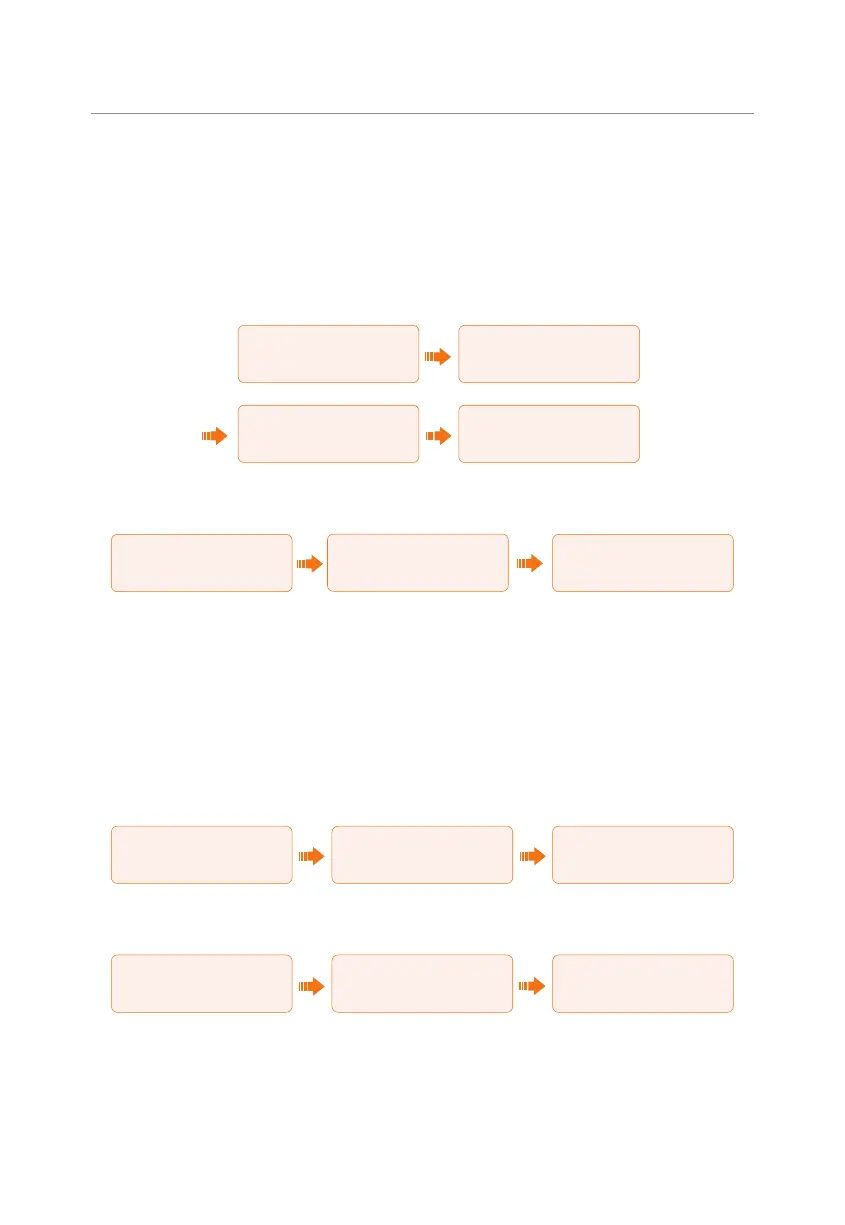
====CT/MeterSetting====
>Select
Meter
====CT/MeterSetting====
>Select
Enable
====CT/MeterSetting====
>Meter 1 Addr
1
====CT/MeterSetting====
>Meter 1 Direction
Positive
c. Set the the address and direction of Meter 2: And Enable the External INV. You
can check the connection status in Meter/CT Check.
====CT/MeterSetting====
>Meter 2 Addr
1
====CT/MeterSetting====
>Meter 2 Direction
Positive
====CT/MeterSetting====
>External INV
Enable
d. After connection succeeded, check the feed-in power of Meter 1 in the path of
Menu>System Status>Meter/CT and check the output power (Output Today and
Output Total) of Meter 2 in the path of Menu>History Data>E_USERDEF.
②
For CT and meter 2 solution (CT for grid connection, Meter 2 for EPS connection)
a. Select and enter the Meter/CT Setting according the setting path.
b. Select and enable the CT function, select the CT. You can check the connection
status in Meter/CT Check.
====CT/MeterSetting====
>Select
CT
====CT/MeterSetting====
>Select
Enable
====CT/MeterSetting====
>CT Type
100A
c. Set the the address and direction of Meter 2: And Enable the External INV. You
can check the connection status in Meter/CT Check.
====CT/MeterSetting====
>Meter 2 Addr
1
====CT/MeterSetting====
>Meter 2 Direction
Positive
====CT/MeterSetting====
>External INV
Enable
d. After connection succeeded, check the feed-in power of Meter 1 in the path of
Menu>System Status>Meter/CT and check the output power (Output Today and
Output Total) of Meter 2 in the path of Menu>History Data>E_USERDEF.



 To Next Page
 Loading...








