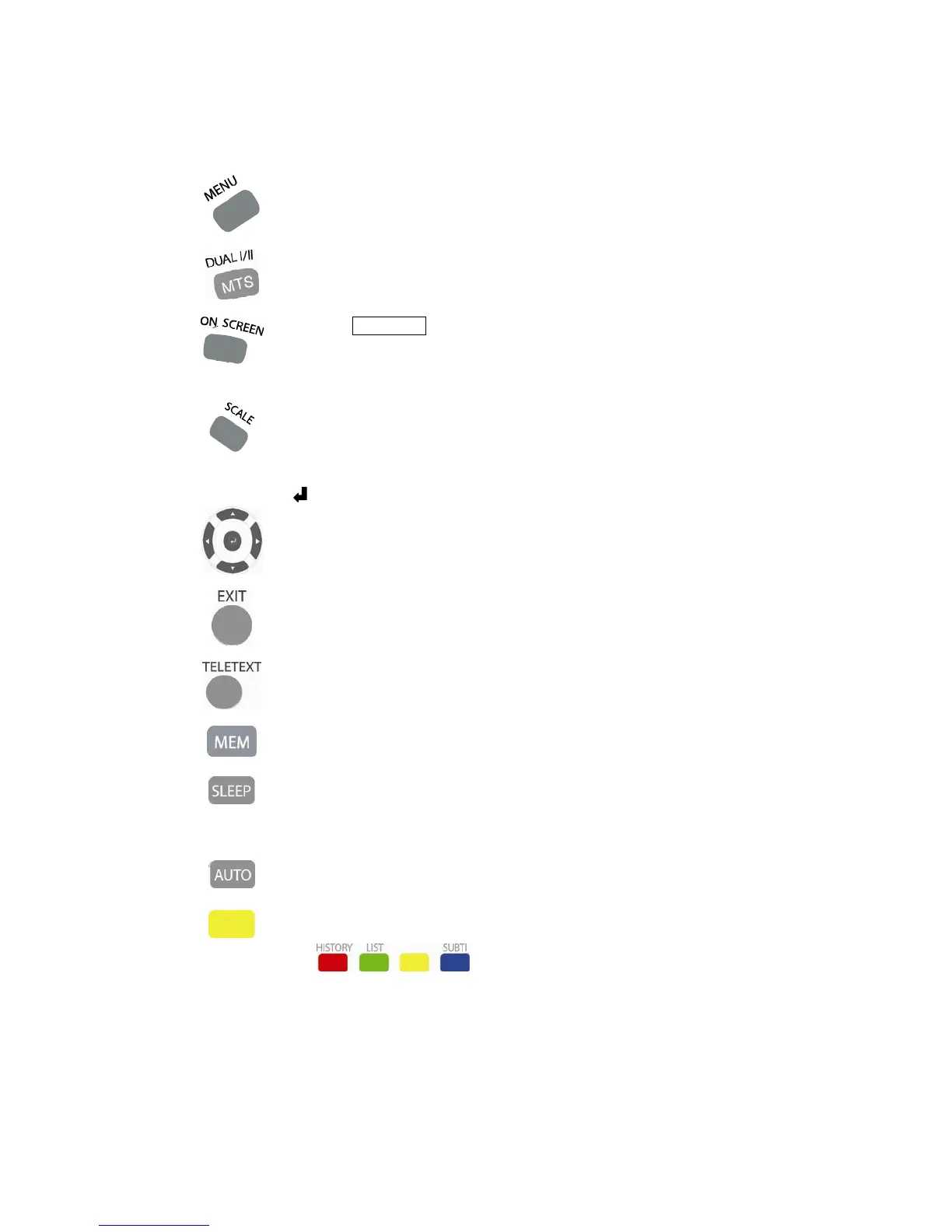
Display the menu screen or go previous step.
12) MTS (Multi-channel Television Sound)
①
The TV with MTS can receive mono/stereo/Secondary Audio Programs (SAP),
which could be audio in another language.
MTS only operates while in TV mode.
13) On Screen
①
Press ON SCREEN button on the remote control to display the current channel
or input source information on display.
②
Press the button again or wait for 5 seconds to remove the information.
There will be channel or input source type, station name, etc.
14) Scale
①
Select the screen size.
②
For TV, DTV, VIDEO, S-VIDEO, HDMI, COMPONENT
Toggle : Auto → Full → 16:9 → Zoom1 → Zoom2
③
For PC : Fill All → 1:1 → Aspect Ratio
15) ◄/►/▲/▼/
①
Select a desired item on the screen or adjust a selected item.
16) EXIT Button
①
Turn off the menu screen.
17) Caption Button
①
Display captions during closed-caption source.
18) Add / Remove Channel
①
You may add or remove a channel as your need.
☞NOTE : If you remove a channel, it will be displayed in red color.
19) Sleep Timer
①
Allow you to set a time when the TV automatically switches off.
②
Each time you press this button, the remaining time setting switches by <Off ~
180minutes>. This display will disappear after a few seconds, and the sleep timer
automatically starts counting down.
20) Auto Adjust
①
Automatically adjust the PC image screen.
22) Freeze (Yellow color button)
①
Press again to return to normal screen..



 To Next Page