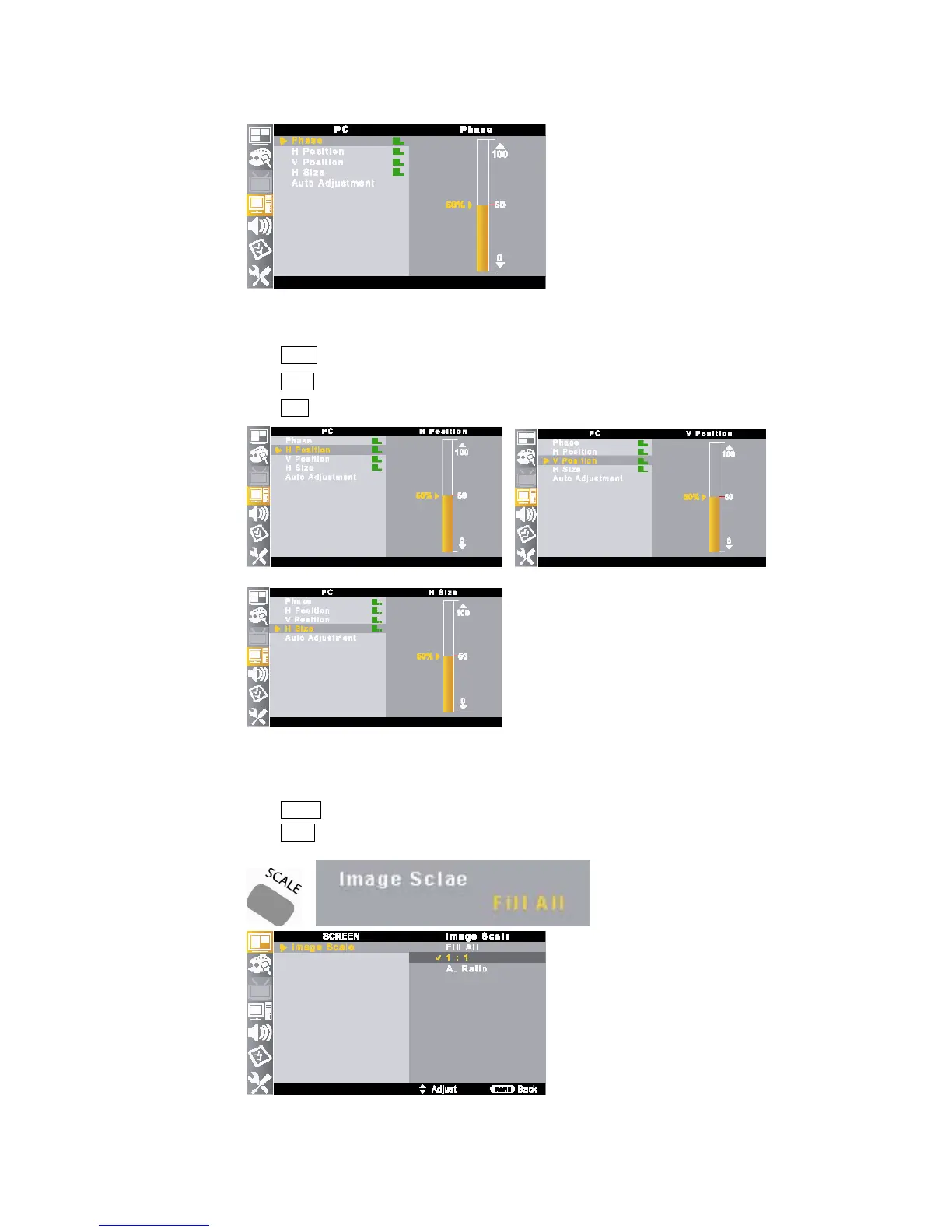
8-4. H/V Position
① Press MENU button on the remote control and move to <PC – H Position> or <PC – V Position>.
②
Press ▲/▼ buttons to set the position.
③ Press EXIT button to return to the normal screen.
8-5. Image Scale Setting
①
Press SCALE button on the remote control.
②
Press /◀▶ buttons to select your preference image scale.
Toggle : Fill All – 1:1 – A. Ratio



 To Next Page