48
CHAPTER 9. Option Setup
9-1. Menu Language
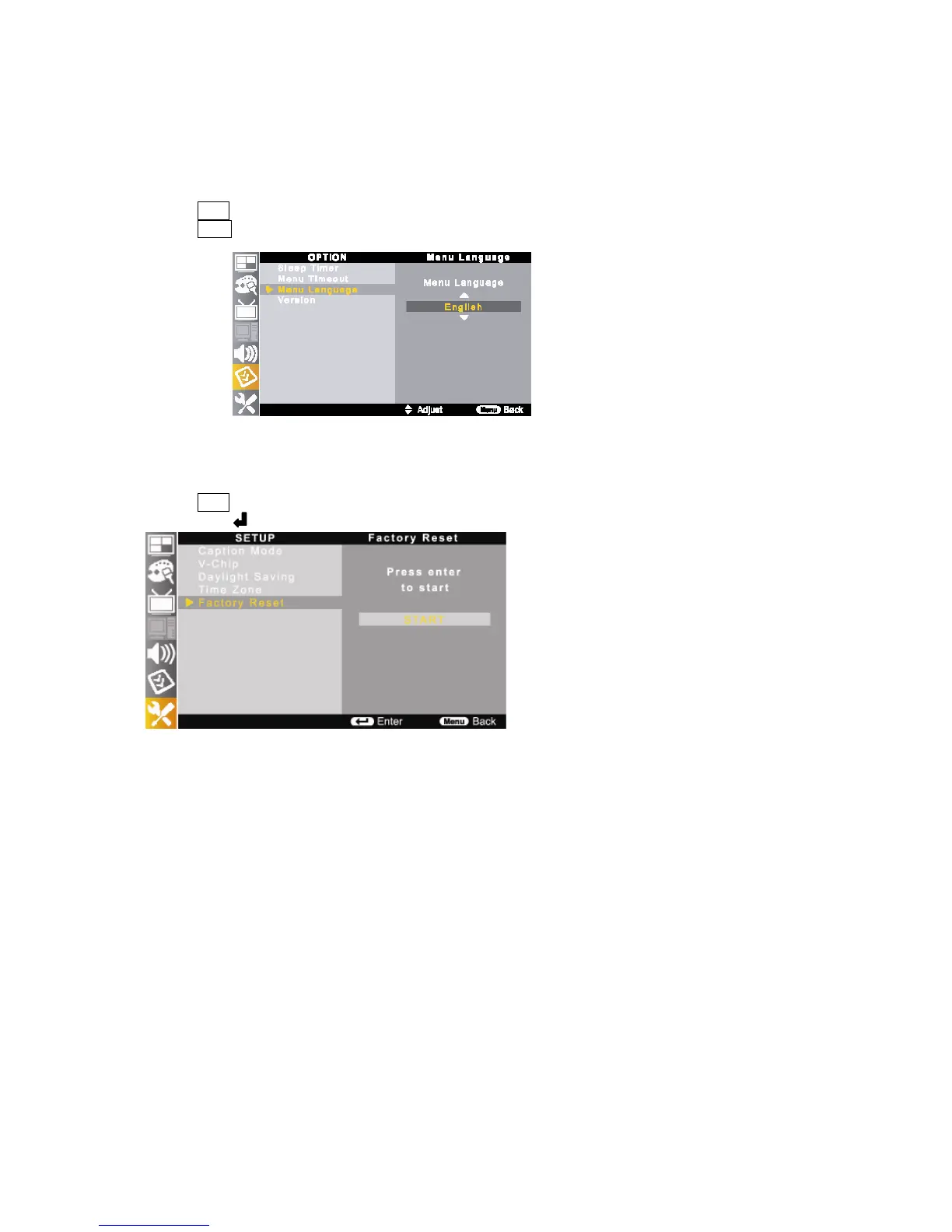
You can select OSD (On Screen Display) language from among English, Spanish and French.
① Press Menu button on the remote control and move to <OPTION-Menu Language>.
② Press ▲/▼ buttons to select your desired language.
9-2. Factory Reset
Reset all the OSD control settings back to the factory setting status.
① Press Menu button on the remote control and move to <SETUP-Factory Reset>.
② Press enter ( ) button to start.
9-3. Version Check
It shows the TV production version.



 To Next Page