33
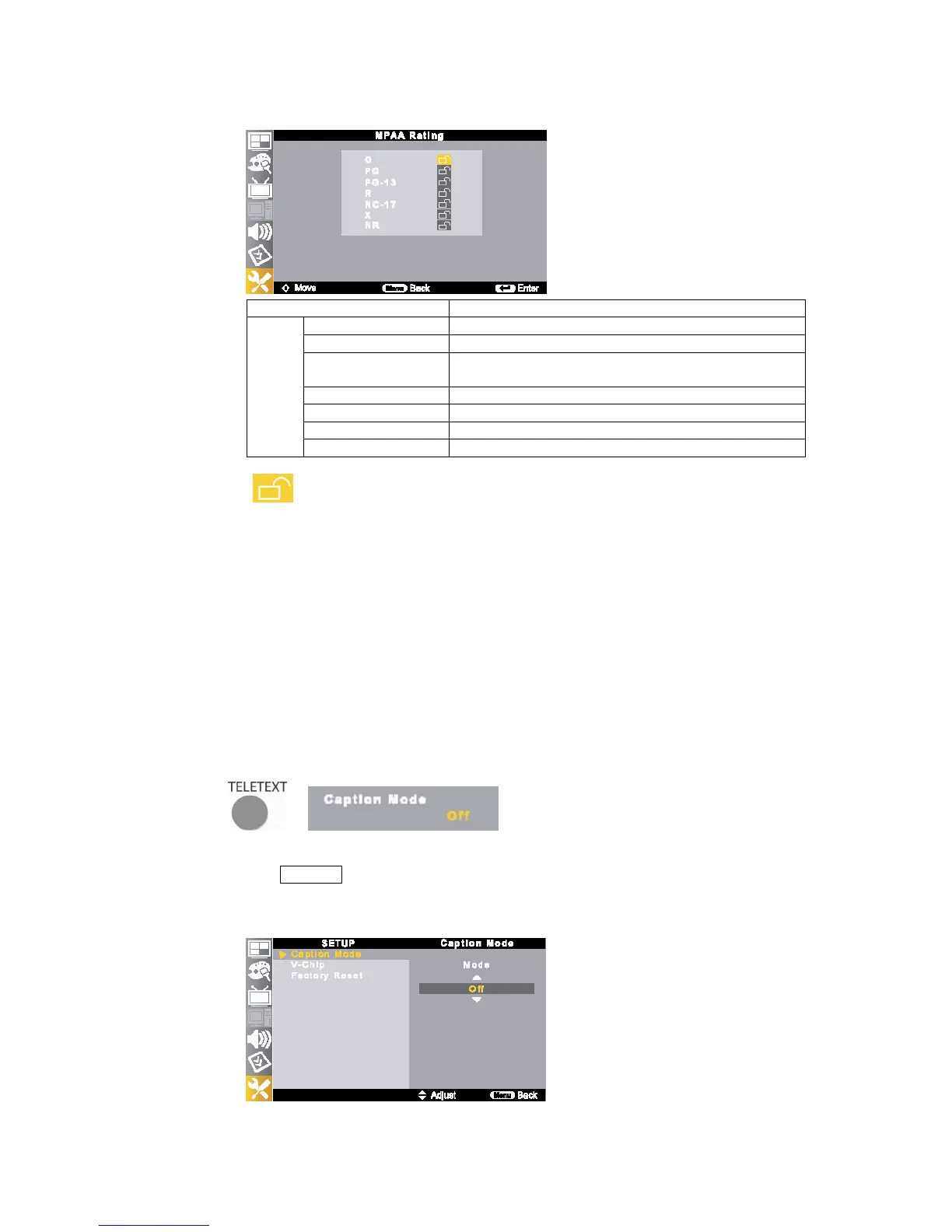
Movie Rating Description
Age
G General audience. No restriction
PG Children under 13 should be accompanied by an adult.
PG-13 Parental guidance suggested. Children under 13 should be
accompanied by an adult.
R Restricted. Viewers should be 17 or older.
NC-17 Not classified. Viewers should be 17 or older.
X Adults only.
NR Not rated.
☞
NOTE
▶ TV (FCC) ratings: The particular rating that you have selected will be blocked (and indicated as
<
>). Also, all of the age-based ratings will be blocked within the particular group (i.e., <group 1> or
<group2>). Suppose that the TV-G rating and all of its contents (V, S, L, and D) are blocked. In that case,
more restrictive ratings (TV-PG, TV-14, and TV-MA) and all of their contents (V, S, L, and D) are
automatically blocked as well.
▶ MPAA ratings: The particular rating that you have selected will be blocked. In addition, more
restrictive ratings will be blocked as well.
▶ Neither TV (FCC) ratings nor MPAA ratings apply to news programs.
4-3. Closed Caption
Closed Caption function allows you to view conversations, narration and sound effects as subtitles on your TV.
It is available on some TV programs and n some VHS home video tapes at the discretion of the program provider.
Digital Closed Caption service is a new caption service available only on digital TV programs (also at the discretion
of the service provider). It is more flexible system than the original Closed Caption system, because it allows a
variety of caption sizes and font style.
Not all programs and VHS videotapes offer closed captions. Please look for the <CC> symbol to ensure that
captions will be shown.
1) Closed Caption Setup
①
Press TELETEXT button on the remote control to select desired caption mode.
②
Select caption mode as follows;
- Analog : Off – CC1 – CC2 – CC3 – CC4 – Text1 – Text 2 – Text 3 – Text4
- Digital : Off - Service1 - Service2 - Service3 - Service4 - Service5 - Service6



 To Next Page