32
system.
⑤
Press the EXIT button to return to the normal screen.
☞
NOTE
▶ These categories consist of two separate groups: <TV-Y> and <TV-Y7> (young children through age
7), and <TV-G> through <TV-MA>(everybody else).
▶ The restrictions for these two groups work independently: If a household includes very young children
as well as young adults, the TV parental guidelines must be set up separately for each age group.
TV (FCC) Age-Based Rating Important Notes about Parental Locks
TV-Y (All children) The themes and elements in this program are specifically designed
for a very young audience, including children from ages 2 ~ 6.
TV-Y7 (Directed to older children)
Themes and elements in this program may include mild physical or
comedic violence, or may frighten children under the age of 7.
TV-G (General audience) It contains little or no violence, no strong language, and little or no
sexual dialog or situations.
TV-PG (Parental Guidance suggested)
The program may contain infrequent coarse language, limited
violence, some suggestive sexual dialog and situations.
TV-14 (Parents strongly cautioned)
This program may contain sophisticated themes, sexual content,
strong language and more intense violence.
TV-MA (Mature audience only)
This program may contain mature themes, profane language,
graphic violence and explicit sexual content.
TV (FCC) Content Category Content
FV Fantasy or Cartoon Violence
6) How to Setup Restrictions Using the “MPAA Rating”
The Movie rating system uses the “MPAA” (Motion Picture Association of America) system, and its main
application is for movies. When the rating control is on, the TV will automatically block any programs that are
coded with objectionable ratings (either “MPAA Rating” or “TV Parental Guideline”).
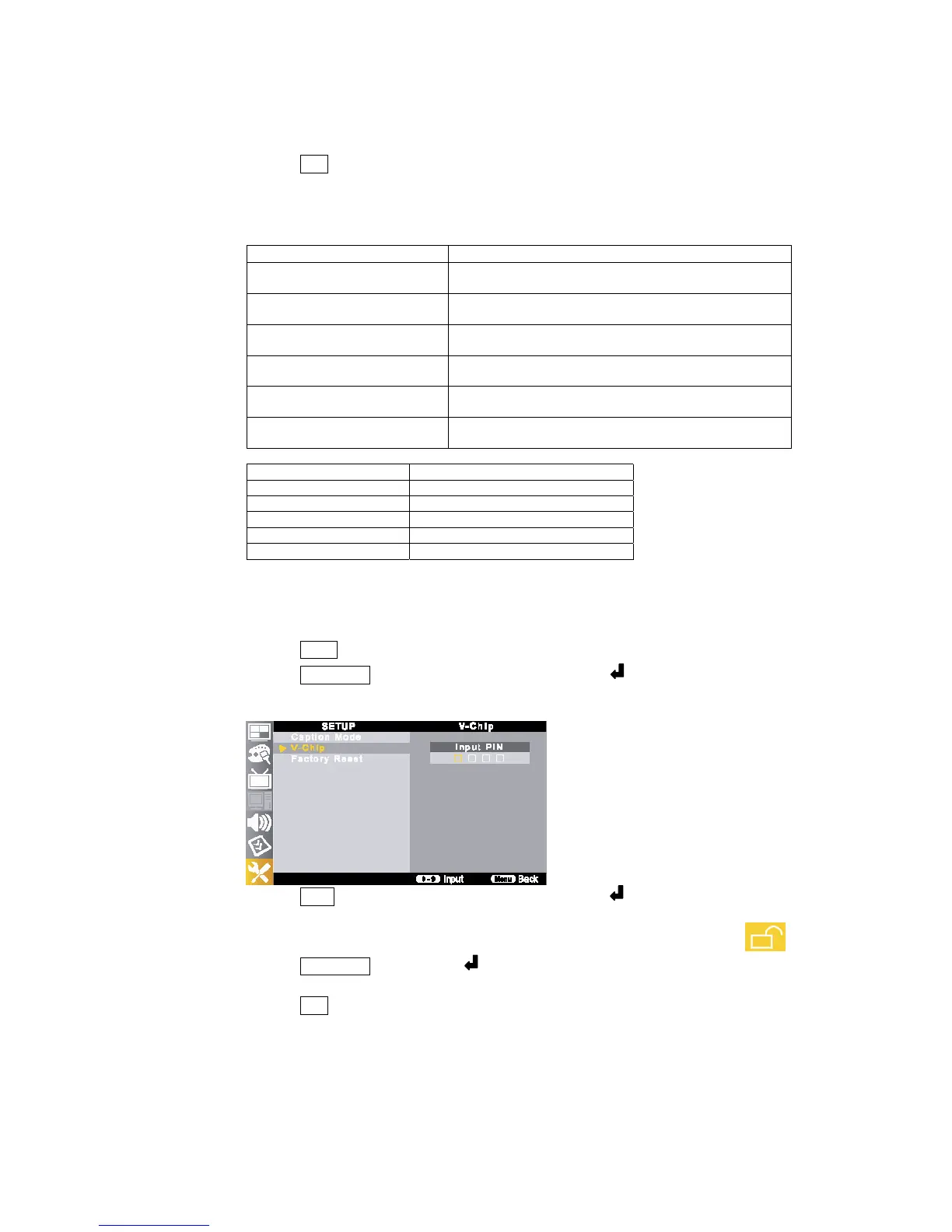
① Press the MENU button.
②
Press the ▲/▼//◀▶ buttons to move to <V-Chip> and press the button.
The message <Input PIN> will appear. Enter your 4 digit PIN number.
The <V-Chip> screen will appear.
③
Press the ▲/▼ buttons to move to <MPAA Rating> and press the button.
The <MPAA Rating> screen will appear.
④
You can independently lock the TV ratings. The blocked TV (FCC) ratings are indicated by a <
>.
Press the ▲/▼//◀▶ buttons and the button to activate the appropriate restrictions for TV (FCC)
Rating system.
⑤ Press the EXIT button to return to the normal screen.



 To Next Page