38
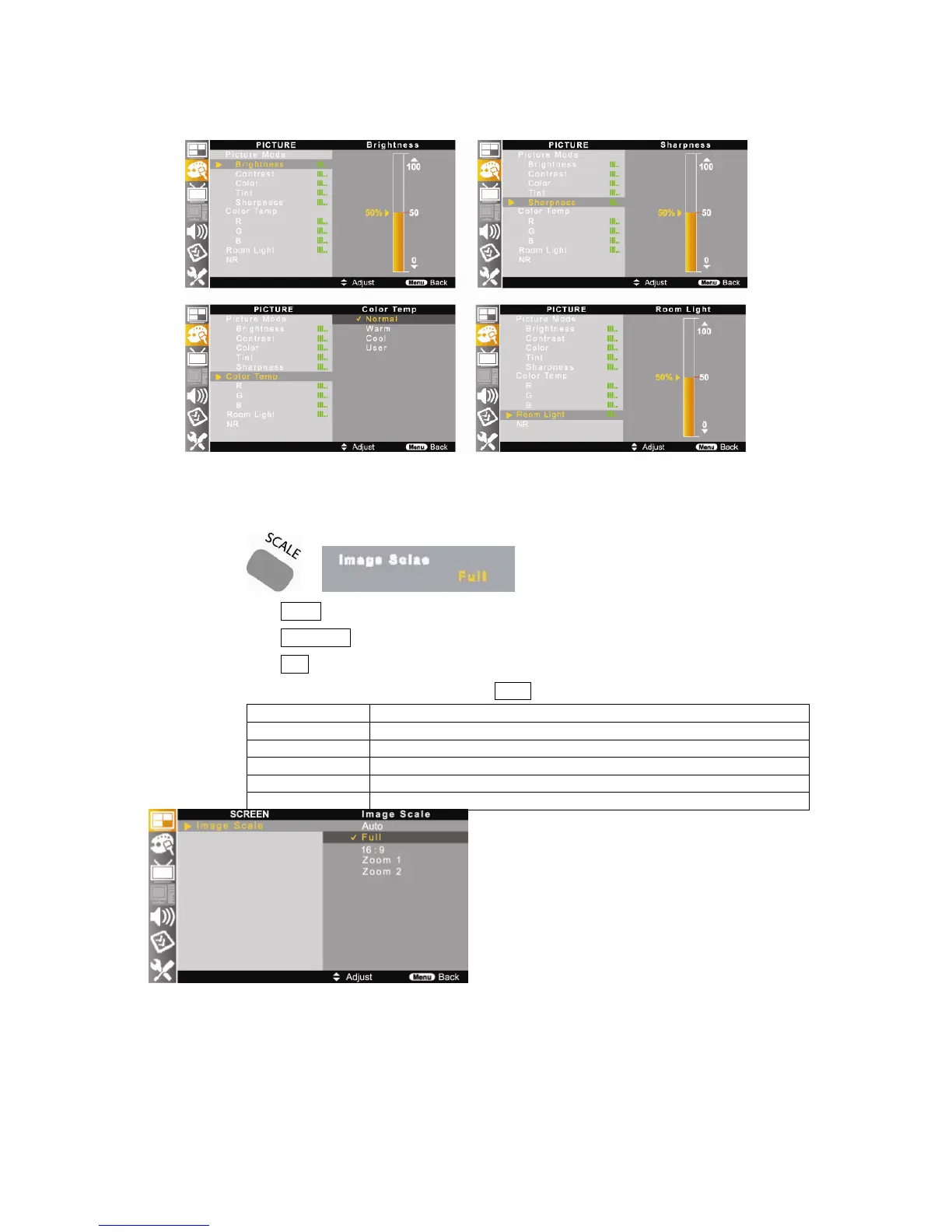
5-3. Image Scale Setting
Image Scale setting allows you to select your desired screen scale size.
①
Press SCALE button on the remote control.
② Press ▲/▼//◀▶ buttons to move <SCREEN – Image Scale>.
③
Press EXIT button to return to the normal screen.
④ Also, it can be set by JOG button on the TV or MENU button on the remote control.
Item Description
Auto Automatically set the screen as broadcasting signal scale.
Full Set the scale to full size of screen.
16:9 Set the scale to 16:9 of screen.
Zoom1 Set the scale to zoom in horizontally and vertically for 16:9 of screen.
Zoom2 Set the scale to zoom in vertically for 16:9 of screen.
⑤
On PC mode, the Image Scale toggles <Fill All – 1:1 – A. Ratio>.



 To Next Page