45
CHAPTER 8. PC Functions
8-1. Preparation
Please check following steps before connecting a PC.
① Refer to the Standard Signal Modes for PC Monitor.
②
Make sure to select the same signal values for the output signal of a PC and the input of the TV before
connecting with the PC.
③
Depending on the PC being used, images may not be shown without converting the output signals into
external output.
Please refer to your PC’s manuals regarding converting to external output.
④
To protect equipment, always turn off the TV before connecting the PC.
⑤
Connect the RGB cable making sure that it fits correctly into the PC terminal.
Then, firmly secure the connectors by tightening the hexagonal nuts on both sides of the plug.
⑥
Make sure its connection mode is <PC – RGB> on the menu.
< The Standard Signal Modes for PC Monitor >
Resolution Horizontal Frequency
Polarity
(H x V) (kHz) (Hz) (V/H)
640x480 31.46 59.94 -/-
800 x 600 35.15 56.25 +/+
800 x 600 37.89 60.31 +/+
1024 x 768 48.36 60.00 -/-
OPTIMAL RESOLUTION : 1024 x 768 @ 60Hz
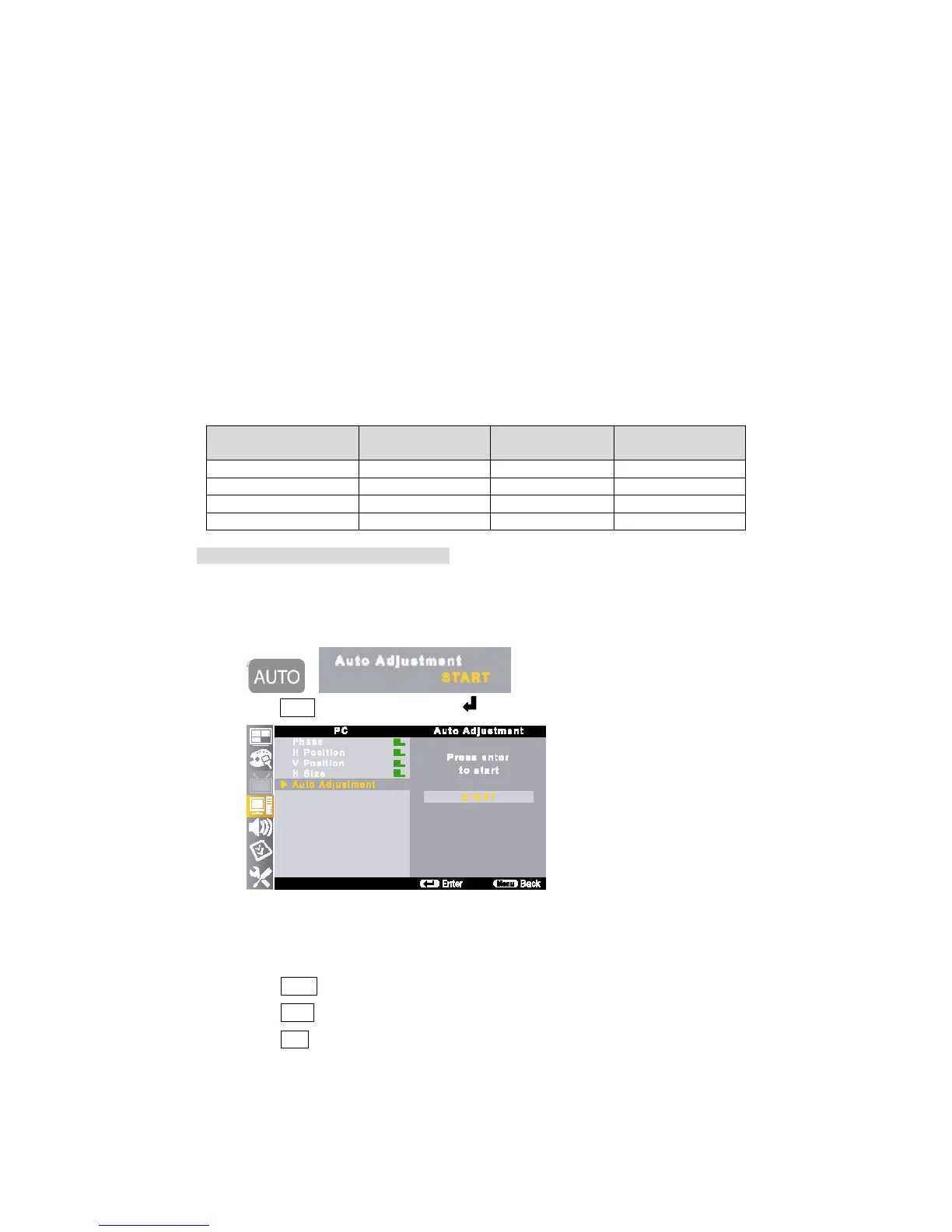
8-2. Auto Adjustment
This function allows you to adjust to the PC signal timing automatically.
①
Press AUTO on the remote control and button.
8-3. Phase
This function allows you to control to adjust the PC signal timing by manual.
① Press MENU button on the remote control and move to <PC – Phase>.
② Press ▲/▼ buttons to set its level.
③ Press EXIT button to return to the normal screen.



 To Next Page